LLaVA-OneVision: Single-Image, Multi-Image, Video in One Model
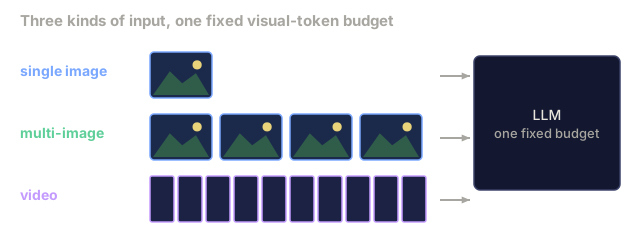
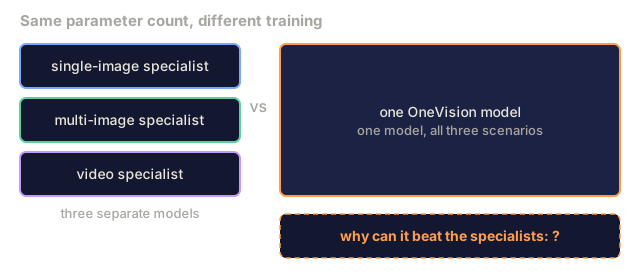
Before LLaVA-OneVision (Li et al., August 2024) the open-VLM world split into separate lineages: LLaVA-1.5 for single images, multi-image models like Mantis and VILA, video models like Video-LLaVA and Video-LLaMA. Each won its own benchmark and did poorly on the others. LLaVA-OneVision argued that one curriculum could train a single model for all three scenarios, and that skills transferring between them (single-image skills exported to video, multi-image reasoning exported to single-image) beat the sum of specialists. The recipe is simple: a visual-token budget that stays roughly constant across scenarios, plus an explicit curriculum that moves from single-image to OneVision (multi-image) to video. This lesson reads the budget, the curriculum, and the emergent behaviors.
Learning Objectives
- Design a visual-token budget that holds constant across single-image, multi-image, and video inputs.
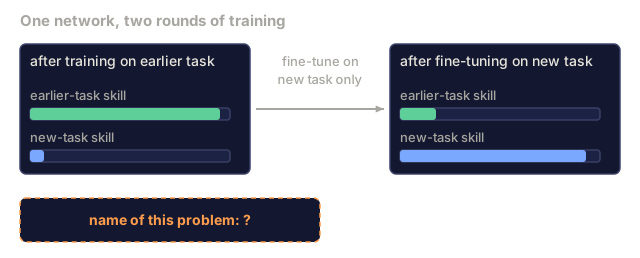
- Order a training curriculum that transfers skills from single-image to video without catastrophic forgetting.
- Explain why a single model beats specialists at the same parameter count when curriculum is done right.
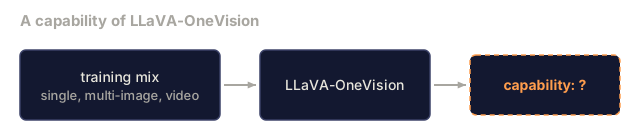
- Name the three emergent capabilities reported by LLaVA-OneVision: multi-camera reasoning, set-of-mark prompting, iPhone-screenshot agent.
The Problem
Image, multi-image, and video stress a model in different ways.
Single-image wants high-resolution tokens (AnyRes, ~2880 visual tokens) to catch OCR and fine detail. Budget per sample: one image, 2880 tokens.
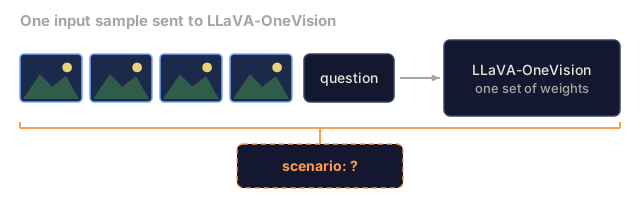
Multi-image wants several images at moderate resolution (~576 tokens each) so reasoning across images fits in context. Budget per sample: 4-8 images, 576 each, 2300-4600 tokens.
Video wants many frames at low resolution (~196 tokens per frame after pooling) to capture temporal dynamics. Budget per sample: 8-32 frames, 196 each, 1600-6200 tokens.
Train separate models and you pick one budget per model. Train one model and the budget has to scale across scenarios without blowing the context window.
Before OneVision, the default answer was to train one scenario and ignore the others. Video-LLaVA retrofitted video onto an image model with extra training stages. LLaVA-NeXT added multi-image support with tiling. Neither handled all three cleanly.
The Concept
The OneVision token budget
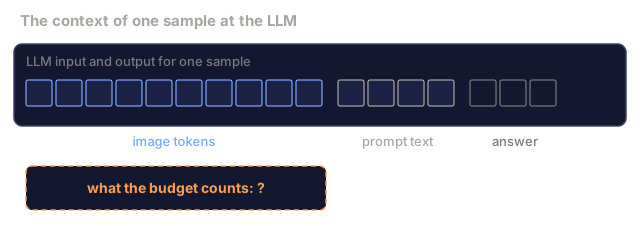
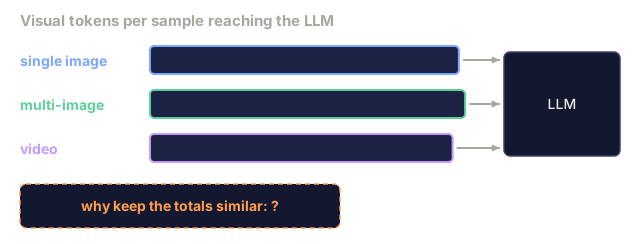
LLaVA-OneVision picks a unified visual-token budget of approximately 3000-4000 tokens per sample and allocates it differently per scenario:
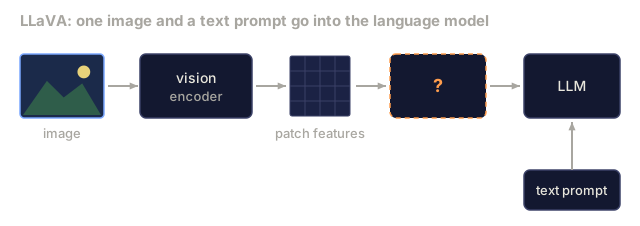
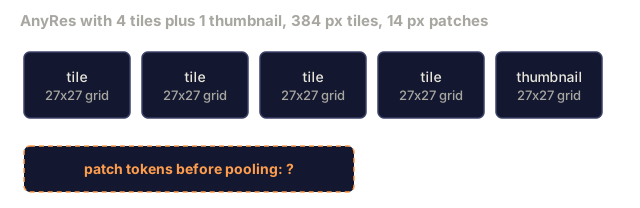
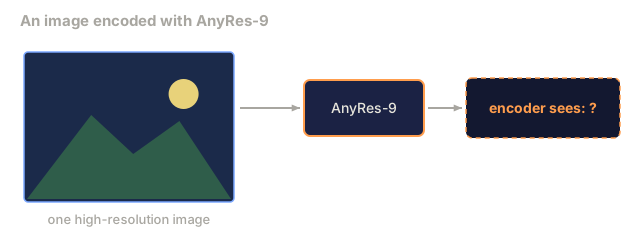
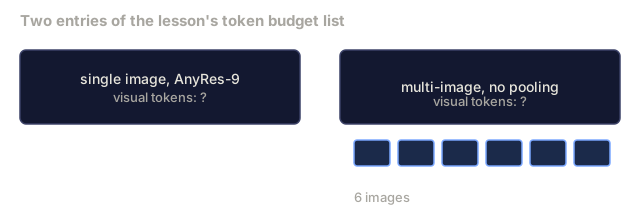
- Single image: AnyRes-9 (3x3 tiles + thumbnail), each tile at 384 with 729 patches, aggressive bilinear pooling 2x2 → 182 per tile. Total: 9 * 182 + 182 = 1820 tokens. Or AnyRes-4 at 729-per-tile = 2916 + 729.
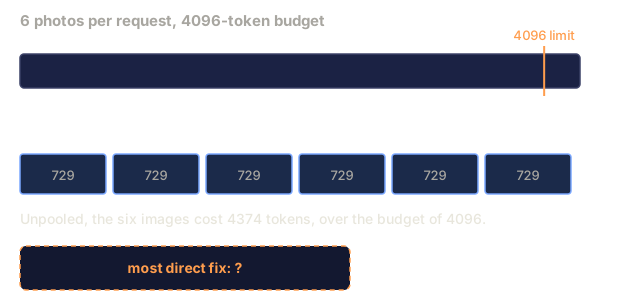
- Multi-image: each image at moderate resolution (384, no tiling), 729 tokens with no pooling. Budget 6 images → 4374 tokens.
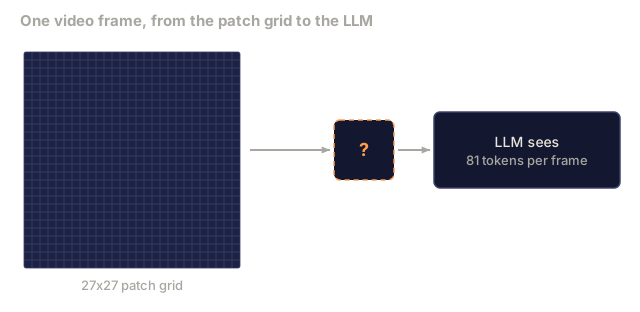
- Video: 32 frames at 384 resolution with aggressive 3x3 bilinear pool → 81 tokens per frame. Total: 32 * 81 = 2592 tokens.
Total tokens stay in a similar range across the three. The encoder produces different geometry per scenario, but the LLM consumes about the same budget each time, so its context cost is predictable.
The three-stage curriculum
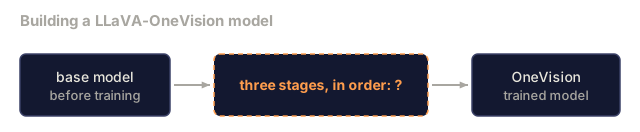
LLaVA-OneVision trains in three stages:
- Single-image SFT (stage SI). All data is single-image-plus-text, with high-resolution AnyRes input. This teaches perception, OCR, and fine-grained understanding. It uses LLaVA-NeXT data plus OneVision-specific single-image data.
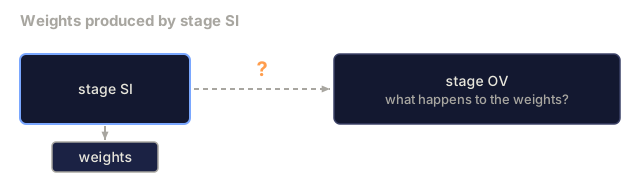
- OneVision SFT (stage OV). Mix single-image, multi-image, and video (uniformly sampled frames) under the unified token budget. This teaches the model to handle heterogeneous batch shapes. No weight reset: it continues from stage SI.
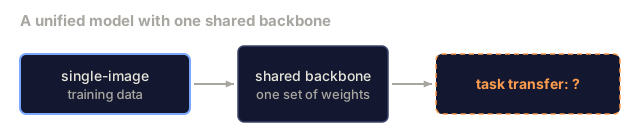
- Task transfer (stage TT). Continue with a target task mix, typically heavier on multi-image or video depending on the product. Optional fine-tune for deployment.
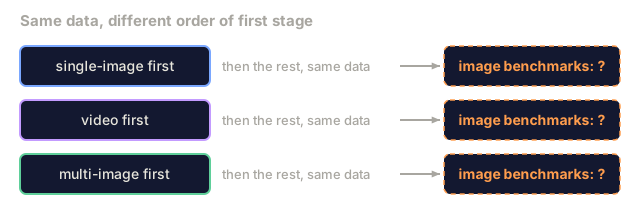
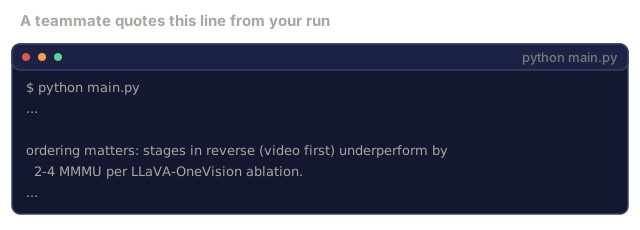
Order matters. Training video-first or multi-image-first gives worse image performance than single-image-first on the same data, and the paper ablates this explicitly.
Why curriculum works
Single-image training builds the perceptual base. Patch tokens carry fine-grained visual features, and the LLM learns to integrate them with text. Multi-image and video add structural problems (which image is which, what happened first) that are hard to learn without that base.
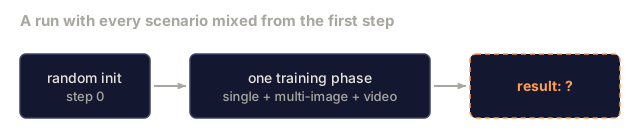
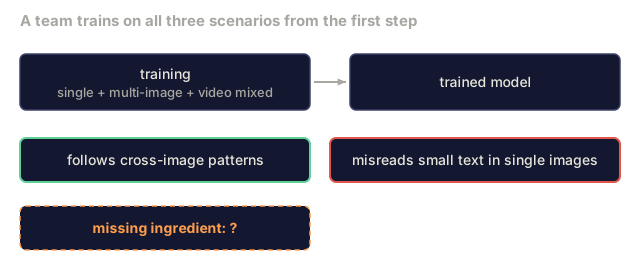
Train all scenarios from scratch together and the model underfits perception, because each batch holds little single-image data, while it overfits structure on the abundant multi-image and video data. You get a model that follows cross-image reasoning patterns but is visually shallow.
Curriculum ordering gives you perception from stage SI, then compositional and temporal reasoning from stage OV, with neither one crowding out the other.
Emergent cross-scenario skills
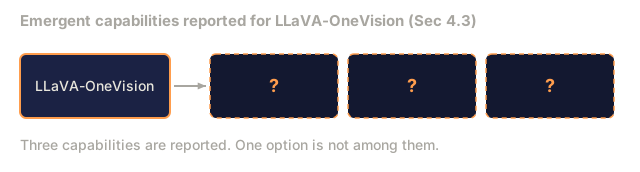
The LLaVA-OneVision paper reports three emergent capabilities:
- Multi-camera reasoning. Trained on multi-image and video separately, the model is asked at inference to reason about a multi-camera driving scene. It integrates the views even though it never saw that exact format in training.
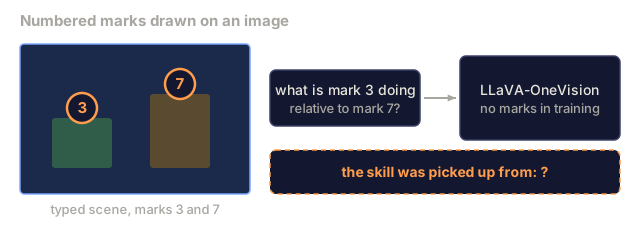
- Set-of-mark prompting. The user annotates objects in an image with numbered marks, and the model reasons about "what is mark 3 doing relative to mark 7." It was trained on neither marks nor annotation, and picked the skill up from spatial grounding combined with multi-image reference.
- iPhone-screenshot agent. The user provides a screenshot of an iPhone screen and asks the model to plan the next click. Training covered UI screenshots, video of user workflows, and multi-image before/after pairs, and the skill generalizes to this agent use case.
None of these are trained tasks. They emerge from the curriculum's compositional structure.
Visual-token pooling
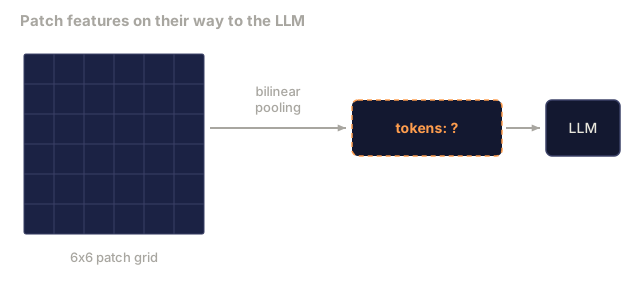
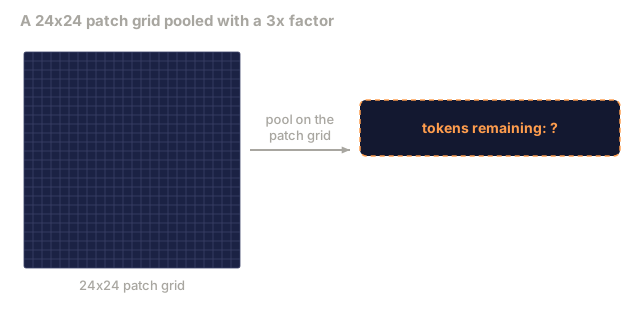
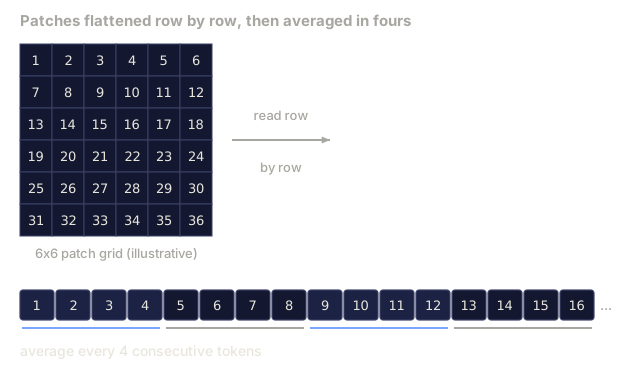
The token budget requires pooling. OneVision uses bilinear interpolation on the 2D patch grid: 24x24 = 576 patches becomes 12x12 = 144 (2x factor) or 8x8 = 64 (3x factor). Pooling happens in patch-grid space, not token space, to preserve locality.
The pooling factor per scenario is a hyperparameter. Less pooling means more tokens and a richer representation. More pooling means fewer tokens, so more frames or images fit.
LLaVA-OneVision-1.5
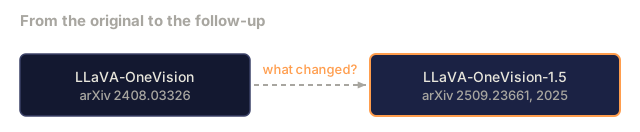
The 2025 follow-up (LLaVA-OneVision-1.5, arXiv 2509.23661) is "fully open" in training data, model weights, and code. It closes the gap with proprietary models on some benchmarks and makes the recipe reproducible. Same curriculum, more data, better base LLM, no architecture change.
Contrast with Qwen2.5-VL
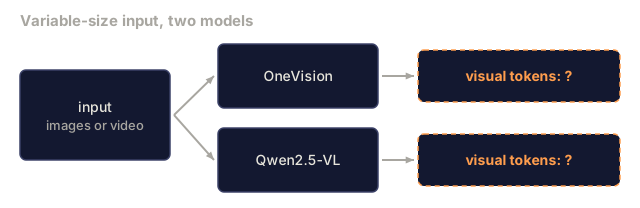
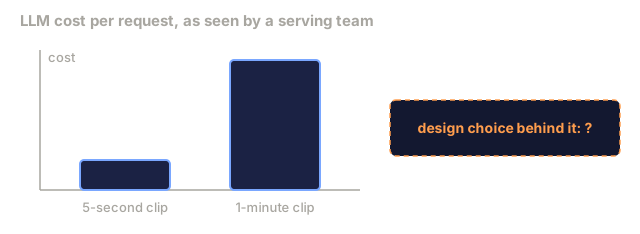
Qwen2.5-VL (Lesson 12.09) makes different choices. It uses M-RoPE and dynamic FPS instead of fixed pooling, so its budget scales with the input: a 1-minute video uses more tokens than a 5-second video. LLaVA-OneVision fixes the budget and scales the pooling. Both work. One trades predictability for configurability, the other the reverse.
Use It
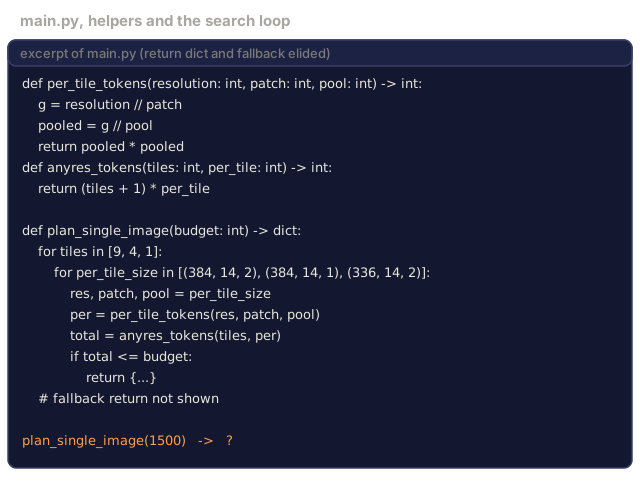
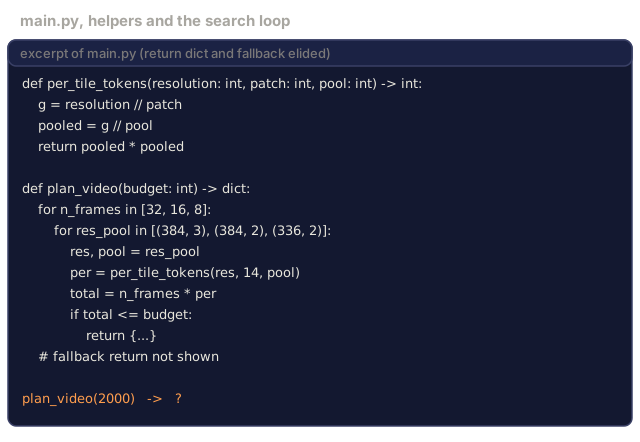
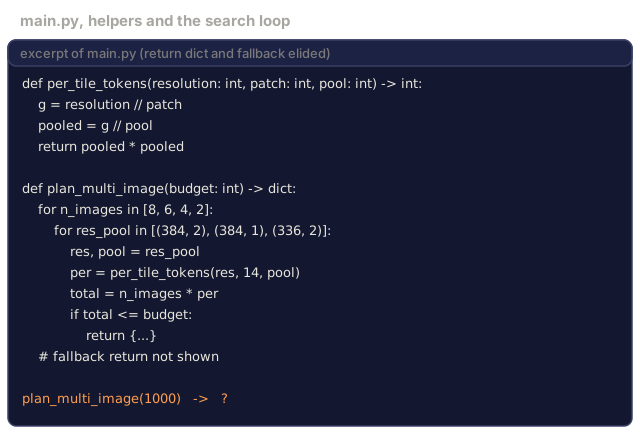
code/main.py is a curriculum and budget planner for a OneVision-style VLM. Give it a token budget per sample and a target scenario mix (say 40% single-image, 30% multi-image, 30% video) and it:
- Allocates resolution, pooling factor, and frames per scenario.
- Checks that each scenario fits within the shared budget.
- Reports expected token count, LLM FLOPs, and which scenarios are under-tokenized.
- Prints a stage-by-stage training schedule.
Use it to plan a OneVision fine-tune or to sanity-check the per-request cost of a VLM deployment.
Ship It
This lesson produces outputs/skill-onevision-budget-planner.md. Given a target task distribution and a per-sample budget, it emits the AnyRes factor, per-frame pooling, video frame count, and curriculum stage weights. Use it when you train or fine-tune a unified-scenario VLM.
I'd run main.py first and read the output against the numbers above. With a 4096 budget it picks AnyRes-9 at 2x pooling for single-image (1690 tokens), 8 images for multi-image (1352), and 32 frames at 3x pooling for video (2592). Video lands at the 81-tokens-per-frame figure from the video bullet. The other two come out lower than the 1820 and 4374 in the budget list, because the planner floors the 27x27 patch grid when it pools (13x13 = 169 per tile) and takes the first option that fits, which is 8 images rather than 6.
The planner also says the target is a spread under 30% of the budget, and its own run reports 30.3%. I'd leave that alone and look at why: the multi-image plan stops at 8 images and uses a third of the budget, while video uses most of it. If you want the three closer together, the lever is the candidate lists in plan_multi_image, not the budget.
The curriculum section is the part I'd trust least from the code alone. The stage weights for SI and OV are hardcoded (1.0/0/0 and 0.5/0.3/0.2), and only the TT row reads your mix. The "2-4 MMMU" ordering penalty is a string it prints, not something it computes. So treat the table as a starting point for your own ablation, and check the ordering claim on your data before relying on it.
Exercises
-
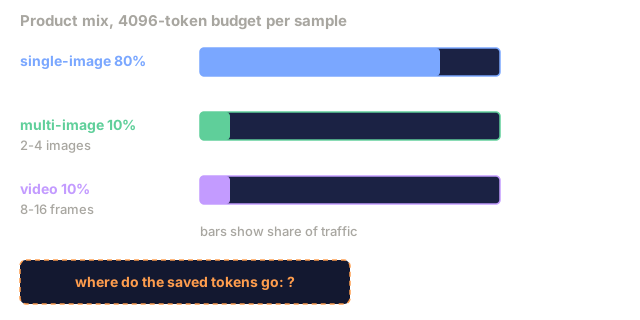
Your product supports 80% single-image, 10% multi-image (2-4 images), 10% video (8-16 frames). Design the token budget. Where would you put the extra budget you save from not doing heavy multi-image?
-
Read LLaVA-OneVision Section 4.3 (emergent capabilities). Propose a fourth emergent skill the curriculum would likely unlock but the paper did not report.
-
Swap the curriculum order: train multi-image first, then single-image, then video. Predict which benchmarks degrade and why.
-
The paper reports video benchmarks trained on only 8 frames per sample. Does that generalize to 30-second videos at inference? What breaks first, the token budget or the temporal reasoning?
-
Bilinear pooling of 24x24 patches to 12x12 is a 4x reduction per dim. Implement the pooling in stdlib Python and verify that the mean over each 2x2 block matches the bilinear output.
Key Terms
| Term | What people say | What it actually means |
|---|---|---|
| OneVision scenario | "Single-image, multi-image, or video" | One of three input shapes the unified VLM handles; the budget stays constant across |
| Token budget | "How many tokens per sample" | Total visual tokens the LLM sees per training / inference sample, typically 3000-4000 |
| Curriculum | "Training order" | Stage ordering (single-image → multi-image → video) chosen for emergent transfer |
| Bilinear pooling | "Token shrink" | Applying bilinear interpolation to the patch grid (2D) to reduce token count while preserving locality |
| Emergent skill | "Not trained, still works" | Capability that appears at inference without matching training data, due to curriculum composition |
| AnyRes-k | "k-tile setup" | k sub-tiles of fixed resolution plus one thumbnail, typical k ∈ {4, 9} |
| Task transfer | "Cross-scenario generalization" | Skills learned on single-image that apply to video (and vice versa) via shared backbone |
Code
- main.py (python, 153 lines)