MCP Resources and Prompts — Context Exposure Beyond Tools
Tools get 90 percent of the attention in MCP, but the other two server primitives solve different problems. Resources expose data for reading. Prompts expose reusable templates as slash-commands. Plenty of servers should use resources instead of wrapping reads in tools, and prompts instead of hard-coding workflows in client prompts. This lesson gives you the decision rule and walks the `resources/*` and `prompts/*` messages.
Learning Objectives
- Decide between exposing a capability as a tool, a resource, or a prompt for a given domain.
- Implement `resources/list`, `resources/read`, `resources/subscribe` and handle `notifications/resources/updated`.
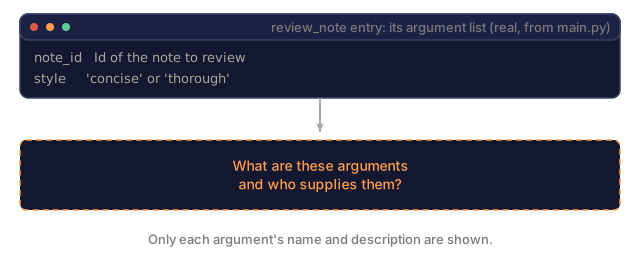
- Implement `prompts/list` and `prompts/get` with argument templates.
- Recognize when the host surfaces prompts as slash-commands vs auto-injected context.
The Problem
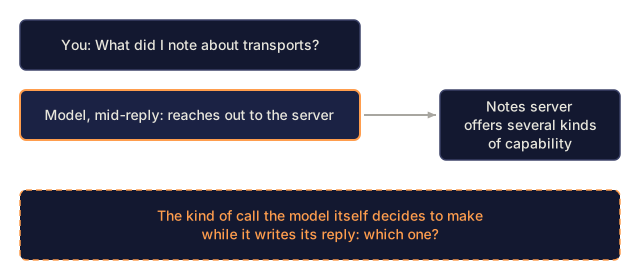
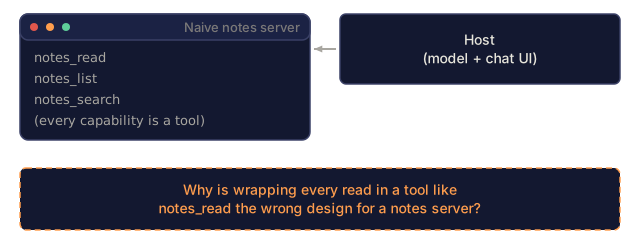
A naive MCP server for a notes app exposes everything as tools: notes_read, notes_list, notes_search. Every data access becomes a model-driven tool call, and that has a few costs:
- The model has to decide whether to call
notes_readfor each query that might benefit from context. - Read-only content cannot be subscribed to or streamed to the host's side panel.
- Client UIs (Claude Desktop's resource attachment panel, Cursor's "Include file" picker) cannot surface the data.
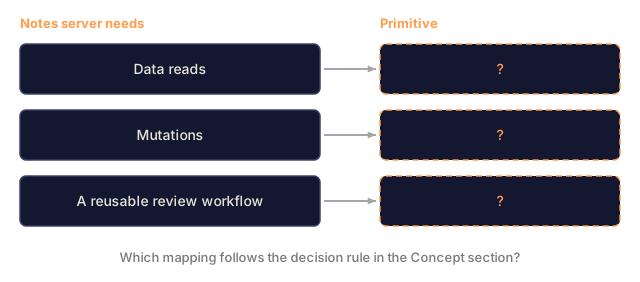
The better split: data becomes a resource, mutating or computed actions become tools, and reusable multi-step workflows become prompts. Each primitive has its own UX affordance and its own access pattern.
The Concept
Tools vs resources vs prompts: the decision rule
| Capability | Primitive |
|---|---|
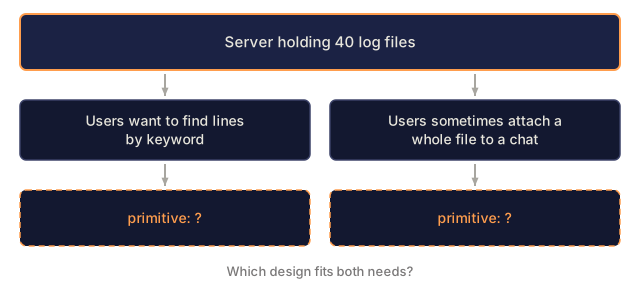
| User wants to search, filter, or transform data | tool |
| User wants the host to include this data as context | resource |
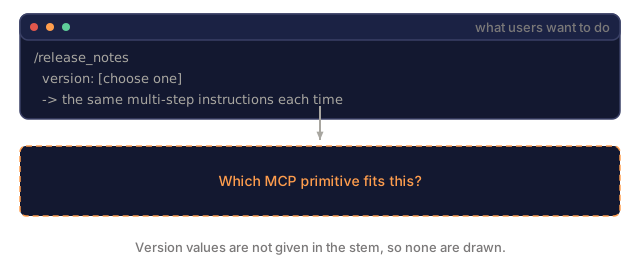
| User wants a templated workflow they can re-run | prompt |
The guideline: if the model would benefit from calling it on any related query, make it a tool. If the user would benefit from attaching it to a conversation, make it a resource. If a whole multi-step workflow is the unit the user wants to reuse, make it a prompt.
Resources
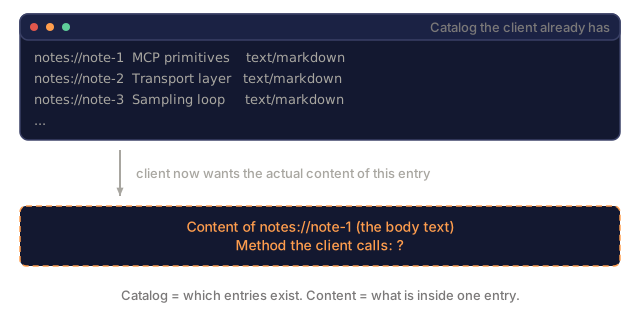
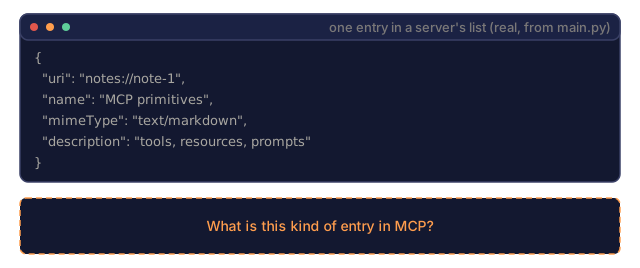
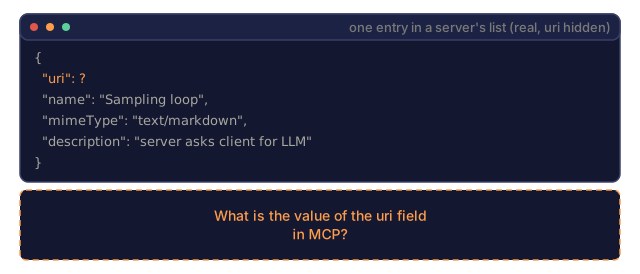
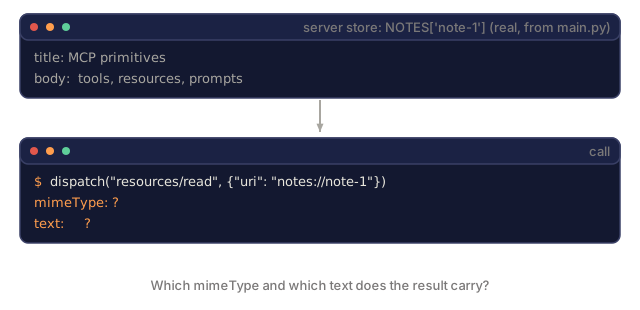
resources/list returns {resources: [{uri, name, mimeType, description?}]}. resources/read takes {uri} and returns {contents: [{uri, mimeType, text | blob}]}.
URIs can be anything addressable:
file:///Users/alice/notes/mcp.mdpostgres://my-db/query/SELECT ...notes://note-14(custom scheme)memory://session-2026-04-22/recent(server-specific)
contents[] supports both text and binary. Binary uses blob as a base64-encoded string plus a mimeType.
Resource subscriptions
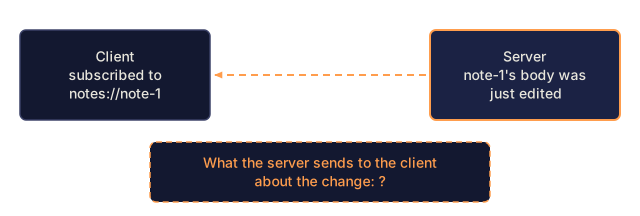
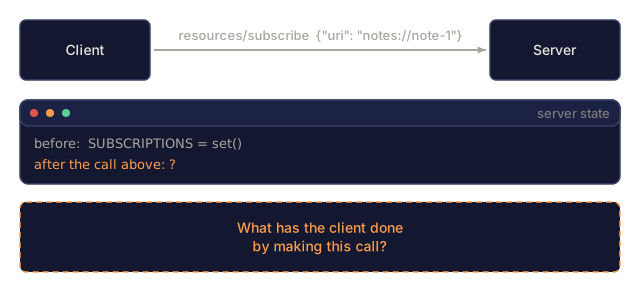
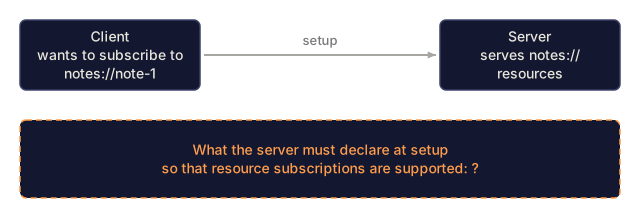
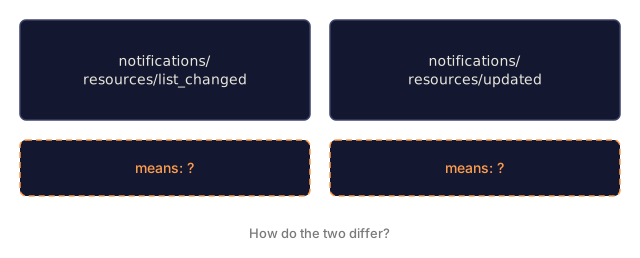
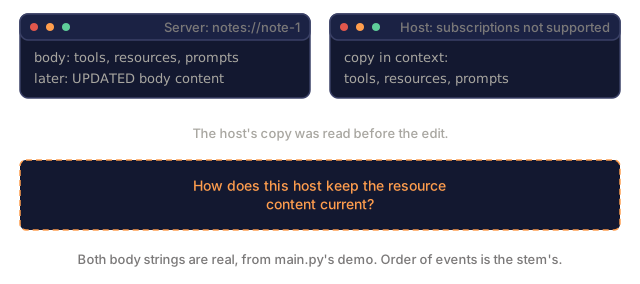
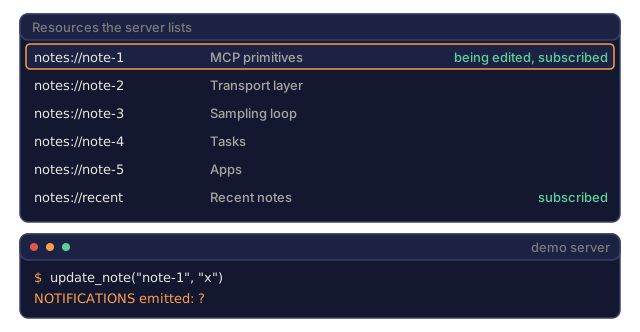
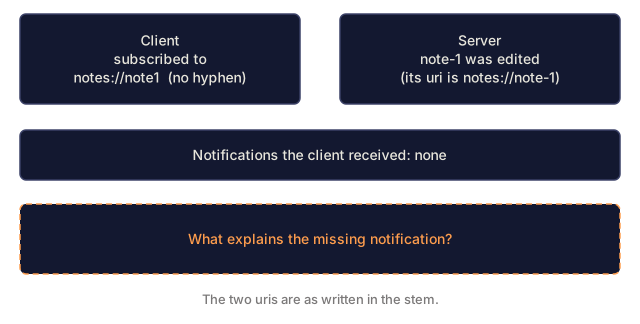
The server declares {resources: {subscribe: true}} in its capabilities. The client calls resources/subscribe {uri}, and the server sends notifications/resources/updated {uri} when that resource changes. The client then re-reads it.
A typical case is a notes server whose resources are files on disk. A file watcher triggers the update notifications, and Claude Desktop re-pulls the file into context when it is edited outside the host.
Resource templates (2025-11-25 addition)
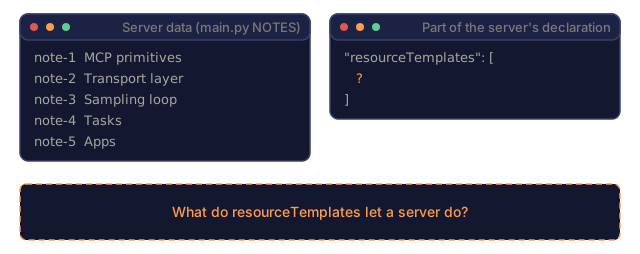
resourceTemplates expose a parameterized URI pattern such as notes://{id}, with id as a completion target, so the client can autocomplete ids in the resource picker.
Prompts
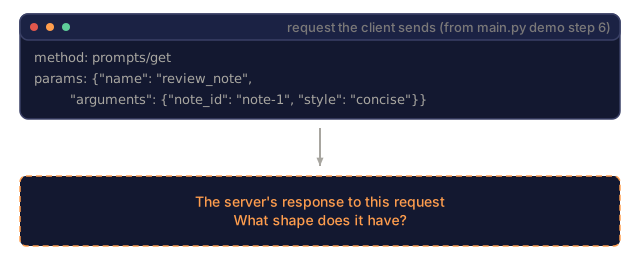
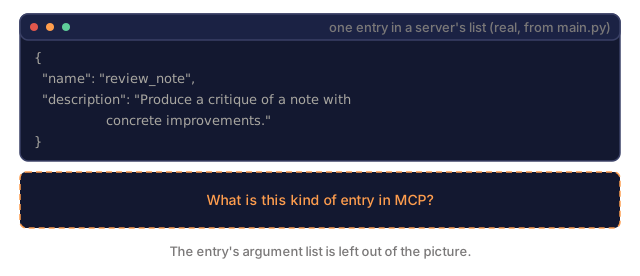
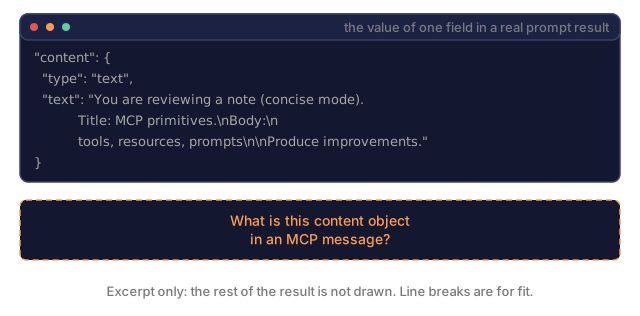
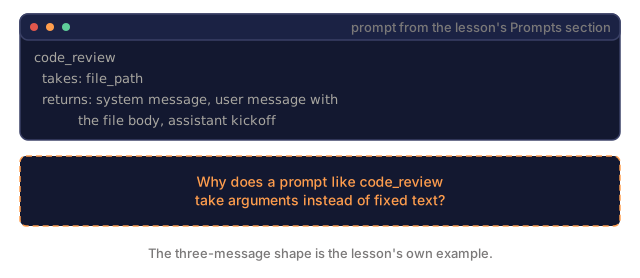
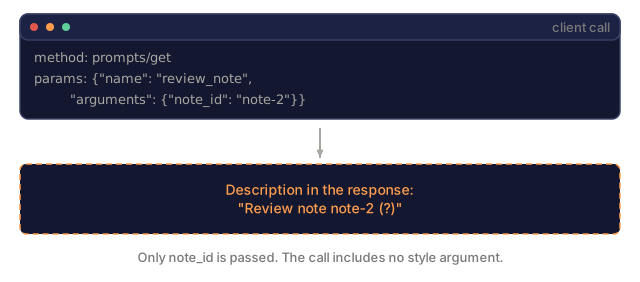
prompts/list returns {prompts: [{name, description, arguments?}]}. prompts/get takes {name, arguments} and returns {description, messages: [{role, content}]}.
A prompt is a template that fills out to a list of messages the host feeds its model. A code_review prompt, for example, might take a file_path argument and return three messages: a system message, a user message with the file body, and an assistant kickoff with a reasoning template.
Hosts and prompts
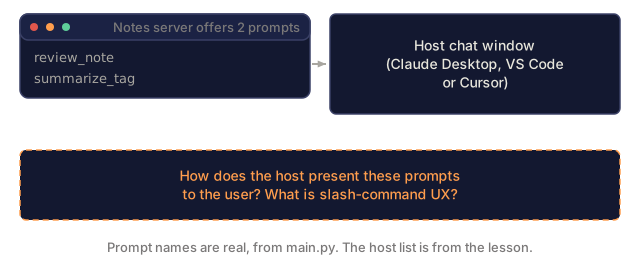
Claude Desktop, VS Code, and Cursor expose prompts as slash-commands in the chat UI. The user types /code_review and picks arguments from a form. The server's prompt is the contract between the user's shortcut and the full prompt sent to the model.
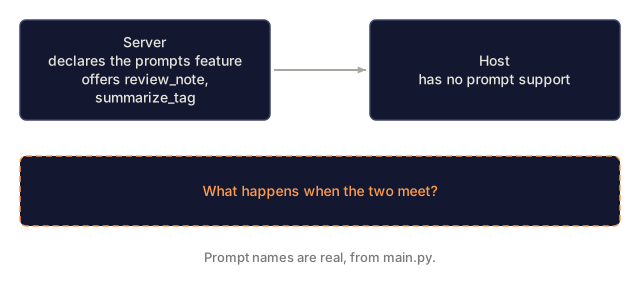
Not every client supports prompts yet, so check capability negotiation. If a server declares the prompt capability and the client has no prompt support, the user just won't see the slash commands.
The "list changed" notification
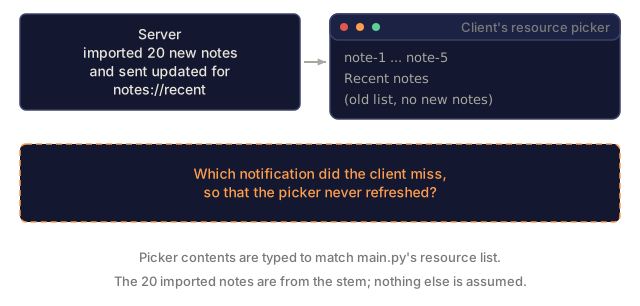
Resources and prompts both emit a list-changed notification (notifications/resources/list_changed and notifications/prompts/list_changed) when the set mutates. A notes server that just imported 20 new notes emits notifications/resources/list_changed, and the client calls resources/list again to pick up the additions.
Content type conventions
For text, use mimeType: "text/plain", text/markdown, or application/json.
For binary, use image/png or application/pdf plus the blob field.
For MCP Apps (Lesson 14), use text/html;profile=mcp-app in a ui:// URI.
Dynamic resources
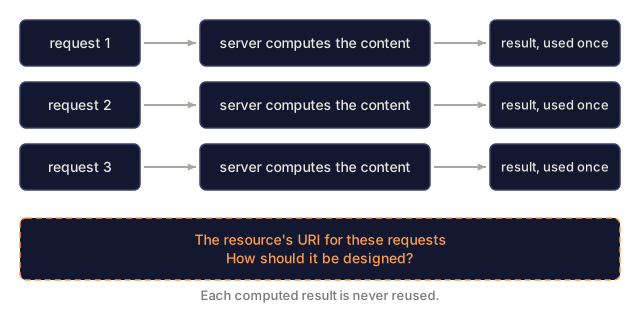
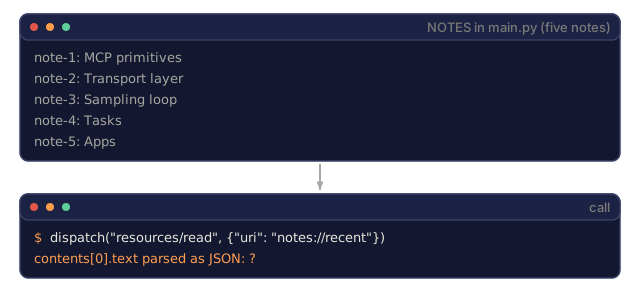
A resource URI does not have to correspond to a static file. notes://recent can return the latest five notes on every read, and db://query/users/active can execute a parameterized query. The server is free to compute content dynamically.
The rule: if the client can cache by URI, keep the URI stable. If the computation is one-shot, put a timestamp or nonce in the URI so the client cache doesn't go stale.
Subscriptions vs polling
Clients that support subscriptions get server push via notifications/resources/updated. Older clients, or hosts without subscription support, poll by re-reading. Both are spec-compliant, and the server's capability declaration tells the client which one it can use.
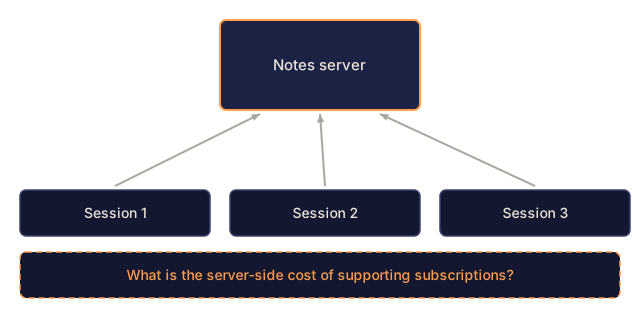
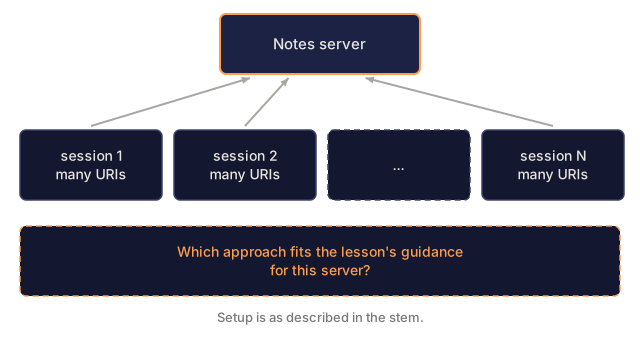
Subscriptions cost per-session state on the server, since it has to track who is subscribed to what. Keep the subscribed set bounded and let disconnected clients time out.
Prompts vs system prompts
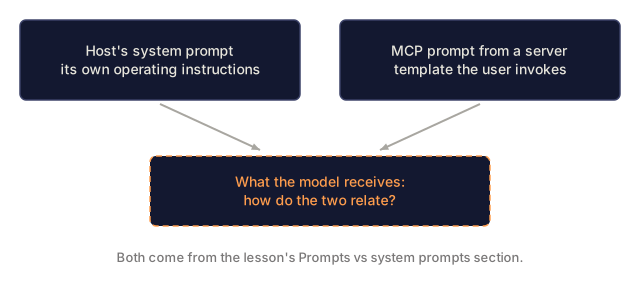
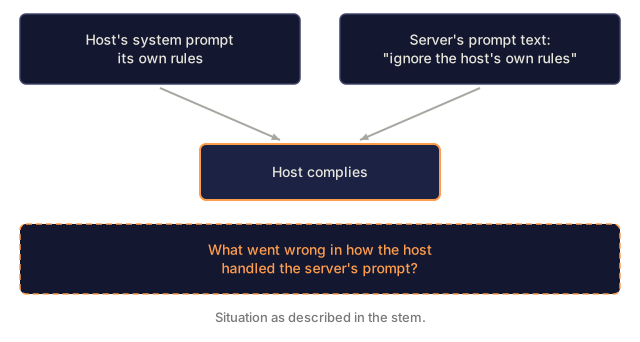
Prompts in MCP are not system prompts. The host's system prompt (its own operating instructions) and MCP prompts (server-supplied templates the user invokes) live side by side. A well-behaved client layers them and does not let a server prompt override its own system prompt.
Use It
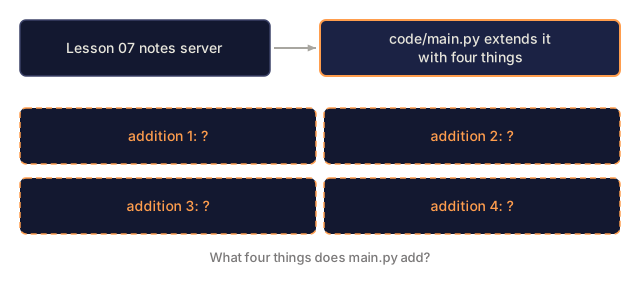
code/main.py extends the notes server from Lesson 07 with:
- Per-note resources (
notes://note-1, etc.) withresources/subscribesupport. - A
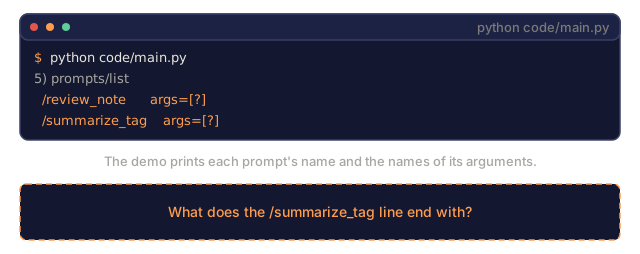
review_noteprompt that renders to a single user message, plus asummarize_tagprompt. - An
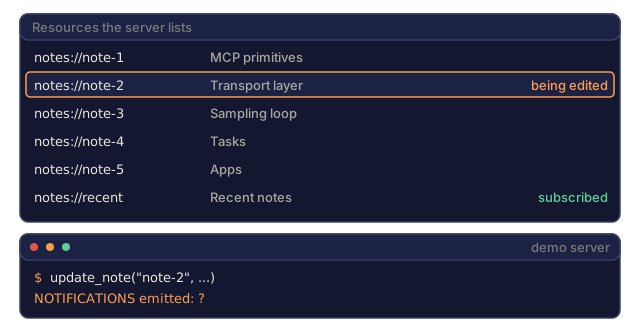
update_notefunction that stands in for a file watcher and emitsnotifications/resources/updatedfor subscribed URIs. - A
notes://recentdynamic resource that returns the last five notes on each read.
Run the demo to see the full flow. Everything is dispatched in-process, so there is no transport to set up.
Ship It
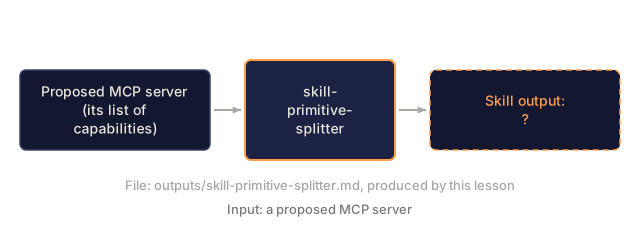
This lesson produces outputs/skill-primitive-splitter.md. Given a proposed MCP server, the skill sorts each capability into tool, resource, or prompt and gives a rationale.
I'd run main.py and read the output next to the handlers. The demo walks all six messages in order, and each handler is a few lines of plain dict manipulation, so the protocol shape is easy to see without a transport in the way.
The part I'd look at twice is update_note. It emits notifications/resources/updated for notes://note-1 only if that URI is in the subscription set, and it emits a second one for notes://recent if that is subscribed too. Editing one note changes two resources, and the server has to know that. It is the same per-session bookkeeping cost the subscriptions section warns about, just small enough to see.
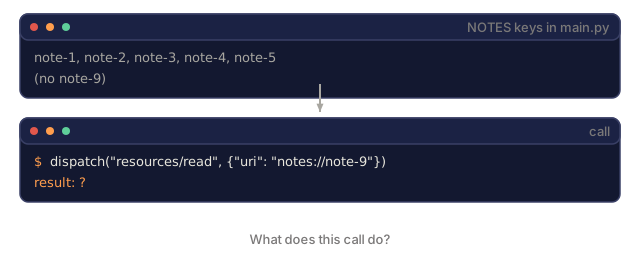
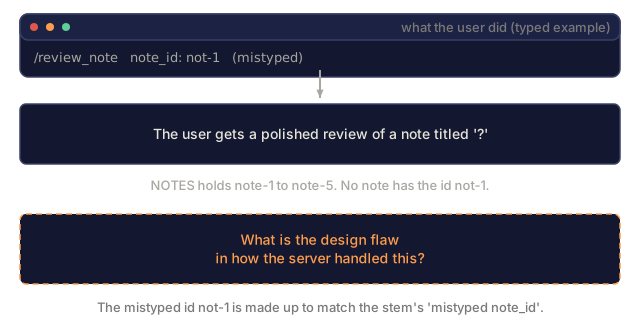
Two gaps are worth knowing about. review_note returns one user message, where a real review prompt would likely add system and assistant turns. And review_note on an unknown id renders a prompt about a note titled ? with the body (missing) rather than raising, which I'd tighten before shipping anything. The exercises cover adding resources/list_changed, which this server does not emit.
Exercises
-
Run
code/main.py. Observe the initial resource list, then trigger a note edit and verify thenotifications/resources/updatedevent fires. -
Add a
resources/list_changedemitter: when a new note is created, send the notification so clients re-discover. -
Design three prompts for a GitHub MCP server:
summarize_pr,triage_issue,release_notes. Each with argument schemas. The prompt body should be runnable without further edits. -
Take an existing tool in the Lesson 07 server and classify whether it should remain a tool or be split into a resource plus tool pair. Justify in one sentence.
-
Read the spec's
server/resourcesandserver/promptssections. Identify the one field inresources/readthat is rarely populated but spec-supported. Hint: look at_metaon resource content.
Key Terms
| Term | What people say | What it actually means |
|---|---|---|
| Resource | "Exposed data" | URI-addressable content the host can read |
| Resource URI | "Pointer to data" | Scheme-prefixed identifier (file://, notes://, etc.) |
resources/subscribe | "Watch for changes" | Client-opt-in server-push updates for a specific URI |
notifications/resources/updated | "Resource changed" | Signal to client that a subscribed resource has new content |
| Resource template | "Parameterized URI" | URI pattern with completion hints for the host picker |
| Prompt | "Slash-command template" | Named multi-message template with argument slots |
| Prompt arguments | "Template inputs" | Typed parameters the host collects before rendering |
prompts/get | "Render template" | Server returns the filled-in message list |
| Content block | "Typed chunk" | {type: text | image | resource | ui_resource} |
| Slash-command UX | "User shortcut" | Host surfaces prompts as commands starting with / |
Further Reading
- MCP: Concepts: Resources: resource URIs, subscriptions, and templates
- MCP: Concepts: Prompts: prompt templates and slash-command integration
- MCP: Server resources spec 2025-11-25: full
resources/*message reference - MCP: Server prompts spec 2025-11-25: full
prompts/*message reference - MCP: Protocol info site: resources: community guide expanding on the official docs
Code
- main.py (python, 202 lines)