Building an MCP Server — Python + TypeScript SDKs
Most MCP tutorials stop at a stdio hello-world. A real server exposes tools, resources, and prompts, negotiates capabilities, returns structured errors, and behaves the same under any SDK. This lesson builds a notes server from the ground up with a stdlib stdio transport, JSON-RPC dispatch, and all three server primitives, written as plain functions so they move into FastMCP or the TypeScript SDK when you outgrow the stdlib.
Learning Objectives
- Implement `initialize`, `tools/list`, `tools/call`, `resources/list`, `resources/read`, `prompts/list`, and `prompts/get` methods.
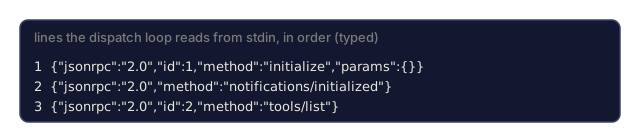
- Write a dispatch loop that reads JSON-RPC messages from stdin and writes responses to stdout.
- Emit structured error responses per the JSON-RPC 2.0 spec and MCP's additional codes.
- Graduate a stdlib implementation to FastMCP (Python SDK) or the TypeScript SDK without rewriting tool logic.
The Problem
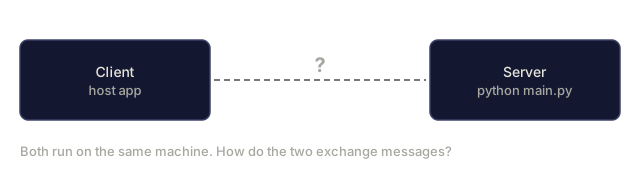
Before you add a remote transport (Phase 13 · 09) or an auth layer (Phase 13 · 16), you want a clean local server. Local means stdio: the client spawns the server as a child process and the two talk over stdin and stdout, one message per line.
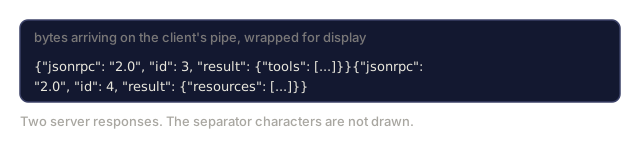
The 2025-11-25 spec encodes stdio messages as JSON objects separated by an explicit \n. SSE was the old remote mode and is being removed in mid-2026 (Atlassian's Rovo MCP server deprecated it on June 30, 2026, and Keboola on April 1, 2026), so it has no place here. For stdio, one JSON object per line is the entire wire format.
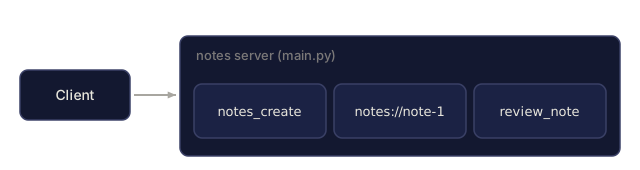
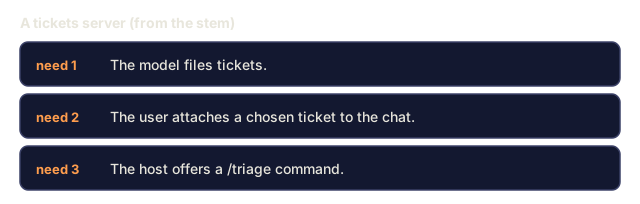
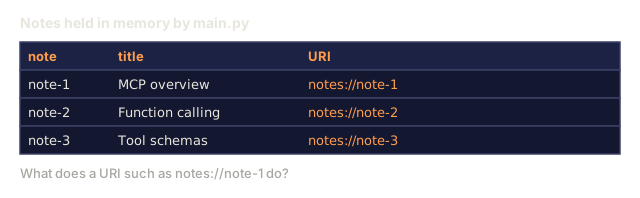
A notes server is a good shape because it touches all three server primitives. Tools mutate state (notes_create). Resources expose data (notes://{id}). Prompts ship templates (review_note). Swap notes for tickets or files and the structure stays the same.
The Concept
Dispatch loop
loop:
  line = stdin.readline()
  msg = json.loads(line)
  if has id:
    handle request -> write response
  else:
    handle notification -> no response
Three rules:
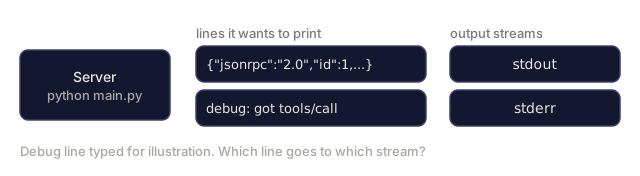
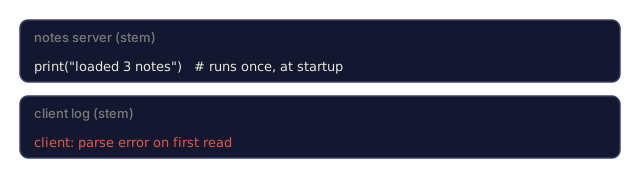
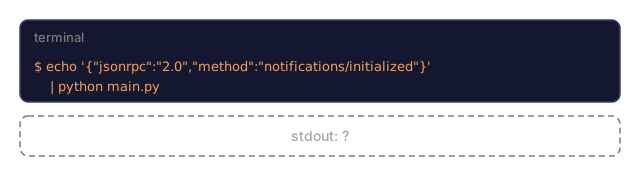
- Keep stdout for JSON-RPC envelopes only. Debug logs go to stderr.
- A request gets exactly one response, carrying the same
id. - A notification gets no response.
The first rule is the one people trip over. A stray print corrupts the stream, and the client sees a parse error on a line you never meant to send.
Implementing initialize
def initialize(params):
    return {
        "protocolVersion": "2025-11-25",
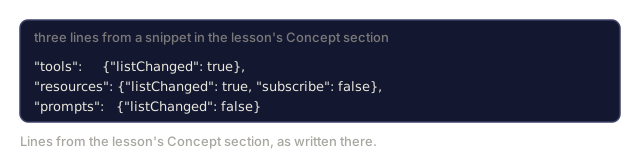
        "capabilities": {
            "tools": {"listChanged": True},
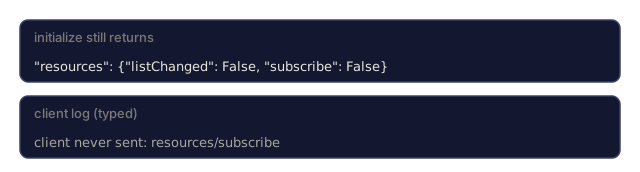
            "resources": {"listChanged": True, "subscribe": False},
            "prompts": {"listChanged": False},
        },
        "serverInfo": {"name": "notes", "version": "1.0.0"},
    }
Declare only what you support, because the client uses the capability set to decide which features to turn on.
Implementing tools/list and tools/call
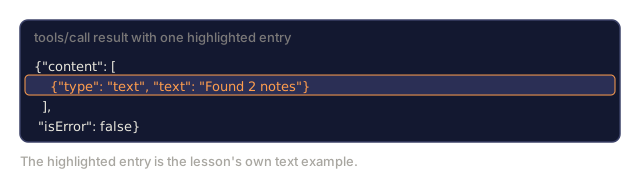
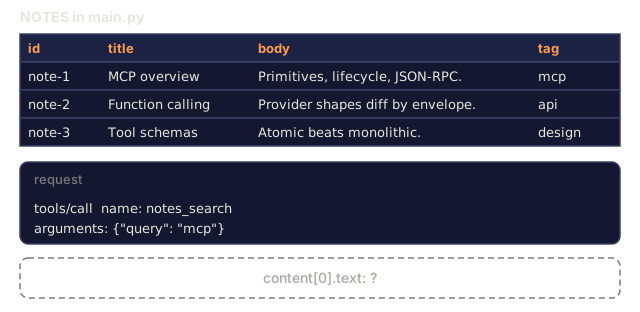
tools/list returns {tools: [...]} with each entry having name, description, inputSchema. tools/call takes {name, arguments} and returns {content: [blocks], isError: bool}.
Content blocks are typed. The most common:
{"type": "text", "text": "Found 2 notes"}
{"type": "resource", "resource": {"uri": "notes://14", "text": "..."}}
{"type": "image", "data": "<base64>", "mimeType": "image/png"}
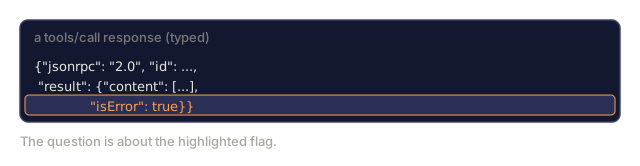
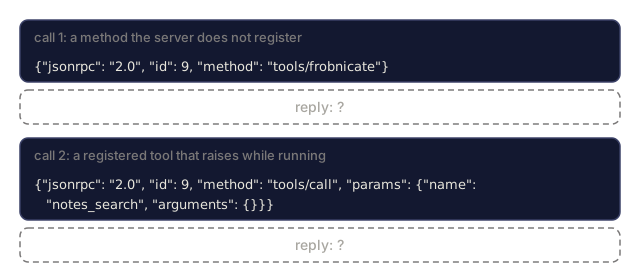
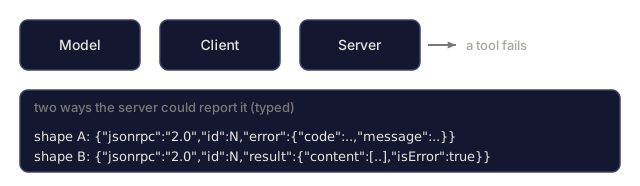
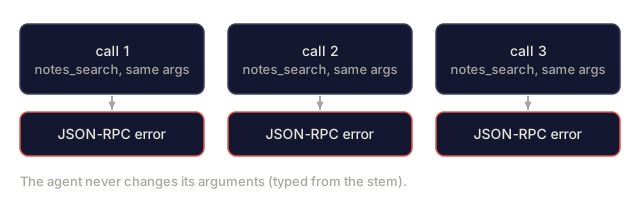
Tool errors come in two shapes. Protocol-level errors (unknown method, bad params) are JSON-RPC errors. Tool-level errors (valid call but the tool failed) are returned as {content: [...], isError: true}. The model can then read the failure in its own context and decide what to do next.
Implementing resources
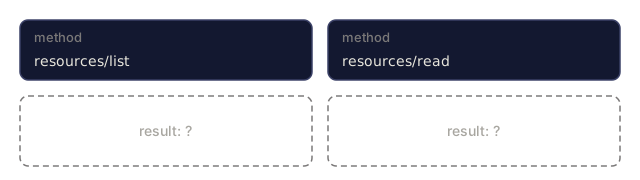
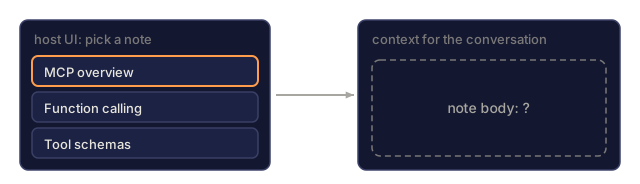
Resources are read-only by design. resources/list returns a manifest; resources/read returns the content. URIs can be file://..., http://..., or a custom scheme like notes://.
Exposing data as a resource instead of a tool changes who is in control:
- The model does not "call" it. The client can inject it into context when the user asks.
- Subscriptions let the server push updates when the resource changes (Phase 13 · 10).
- Phase 13 · 14 extends the idea with
ui://for interactive resources.
Implementing prompts
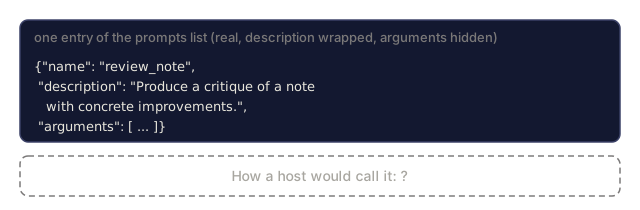
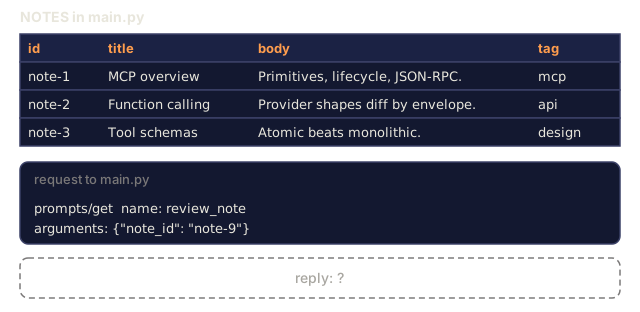
Prompts are templates with named arguments, and the host surfaces them as slash-commands. A review_note prompt takes a note_id argument and returns messages the client feeds to its model.
Stdio transport subtleties
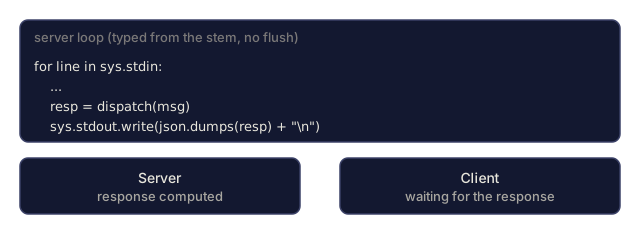
- Messages are newline-delimited JSON, with no length-prefixed framing.
- Don't buffer: call
sys.stdout.flush()after each write. - The client owns the lifetime. When stdin closes (EOF), exit cleanly.
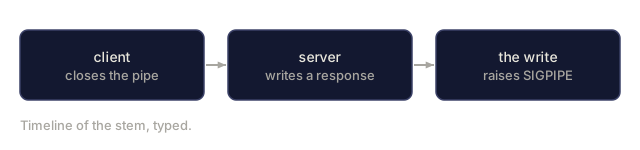
- If a write hits SIGPIPE, log it and exit instead of swallowing it.
Annotations
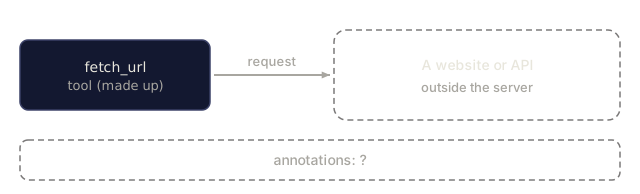
A tool can carry annotations that describe its safety properties:
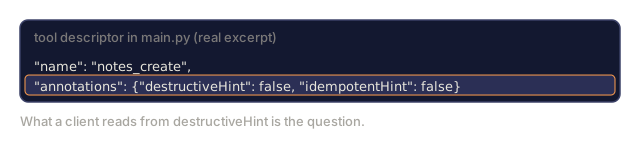
readOnlyHint: true: pure read, safe to retry.destructiveHint: true: irreversible side effects, so the client should confirm.idempotentHint: true: same inputs produce same outputs.openWorldHint: true: interacts with external systems.
Clients use them to decide UX (confirmation dialogs, status indicators) and routing (Phase 13 · 17).
Graduation path
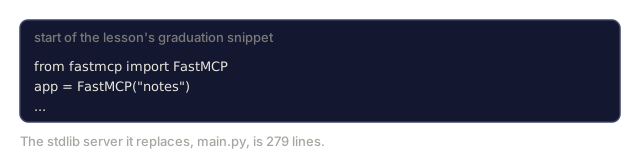
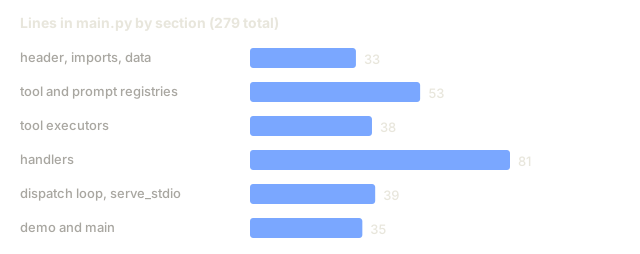
The stdlib server in code/main.py spends most of its lines on registries, dispatch, and framing. FastMCP (Python) collapses the same logic into decorators:
from fastmcp import FastMCP
app = FastMCP("notes")

@app.tool()
def notes_search(query: str, limit: int = 10) -> list[dict]:
    ...
The TypeScript SDK has an equivalent shape. Moving over is a port of the wiring, not the logic, because capabilities, dispatch, and content blocks mean the same thing in every SDK.
Use It
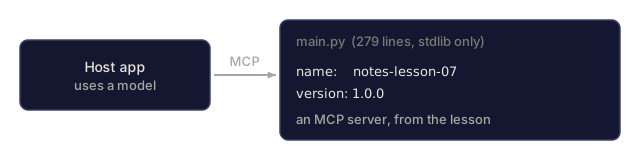
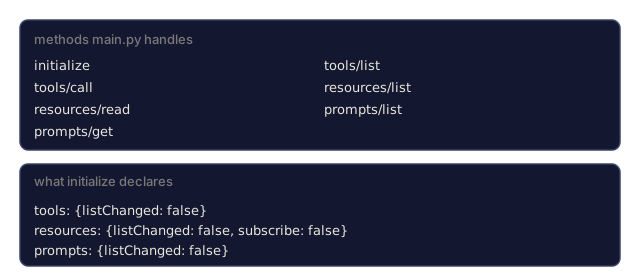
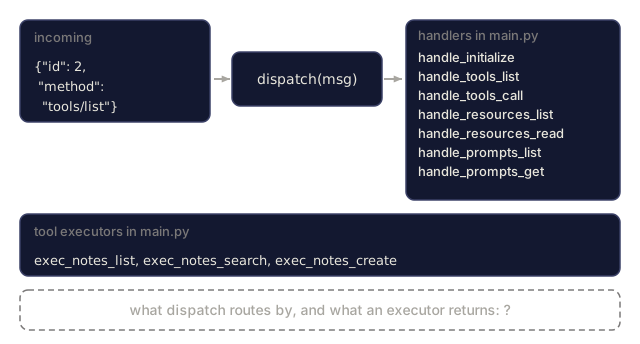
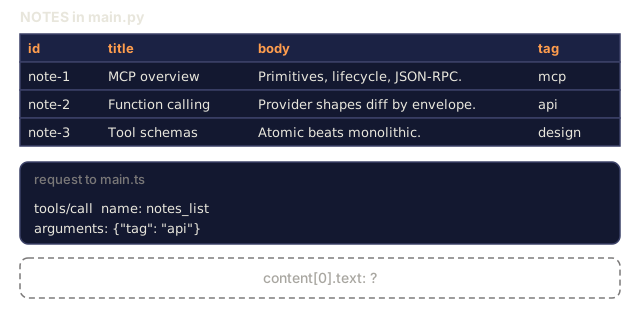
code/main.py is a complete notes MCP server over stdio, stdlib only. It handles initialize, tools/list, and tools/call for three tools (notes_list, notes_search, notes_create), resources/list and resources/read for each note, and a review_note prompt. Drive it by piping JSON-RPC messages:
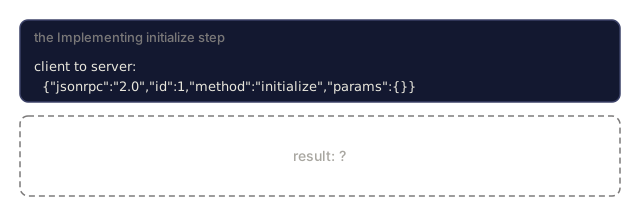
echo '{"jsonrpc":"2.0","id":1,"method":"initialize","params":{}}' | python main.py
Run python main.py --demo to skip the pipe and watch a scripted session instead.
What to look at:
- The dispatcher is a
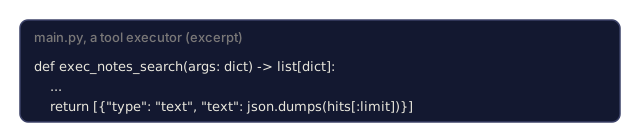
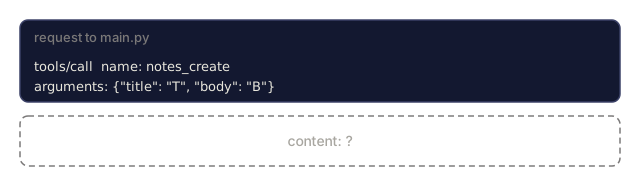
dict[str, Callable]keyed by method name. - Every tool executor returns a list of content blocks, not a bare string.
isError: trueis set when the executor raises.
Ship It
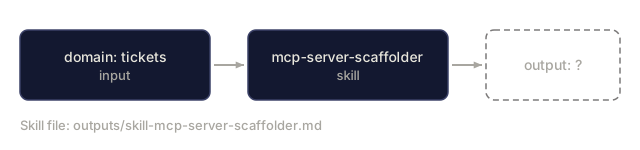
This lesson produces outputs/skill-mcp-server-scaffolder.md. Given a domain (notes, tickets, files, database), the skill scaffolds an MCP server with the right tools / resources / prompts split and SDK graduation path.
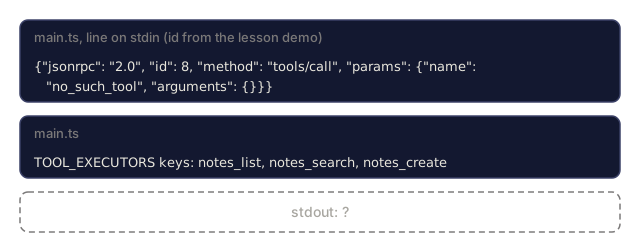
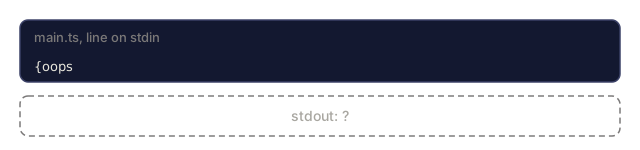
I'd run python main.py --demo first. It pushes eight scripted requests through dispatch with no transport at all, including a call to a tool that doesn't exist, so you see the success path and the isError path before you touch a pipe. Then pipe a single line into stdin and watch the same logic come out as one JSON object per line.
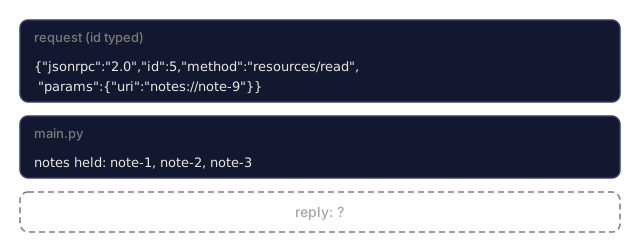
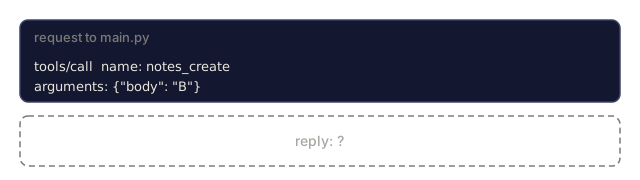
The detail worth rereading is the split between the two kinds of failure. An unknown tool name comes back as a normal result with isError: true, so the model sees it. A bad resource URI raises inside resources/read, and dispatch turns that into a JSON-RPC error with code -32603. Same server, two different channels, and the choice matters for what the model gets to read.
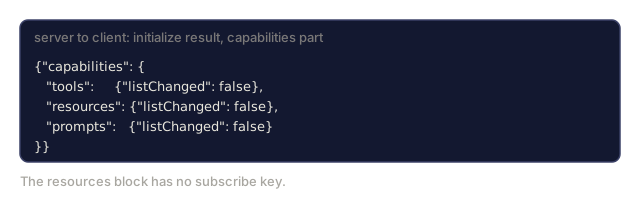
Two places where the code is simpler than the prose. The initialize snippet above declares listChanged: True for tools and resources, while main.py declares False everywhere, since nothing here ever sends a list-changed notification. And the notes live in an in-memory dict, so notes_create ids (a short random suffix after note-) vanish when the process exits. I'd leave the capabilities honest like that and graduate to FastMCP only after the three primitives feel boring. main.ts is there if you'd rather read the same server in TypeScript.
Exercises
-
Run
code/main.pyand drive it with hand-built JSON-RPC messages. Exercisenotes_create, thenresources/readto retrieve the new note. -
Add a
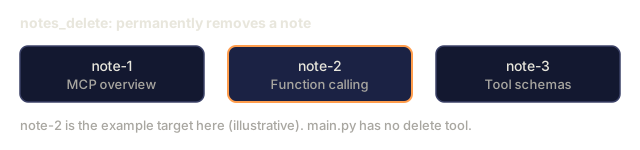
notes_deletetool withannotations: {destructiveHint: true}. Verify the client would surface a confirmation dialog (this requires a real host; Claude Desktop works). -
Implement
resources/subscribeso the server pushesnotifications/resources/updatedwhenever a note is modified. Add a keepalive task. -
Port the server to FastMCP. The Python file should shrink to under 80 lines. The wire behavior must be identical; verify with the same JSON-RPC test harness.
-
Read the spec's
server/toolssection and identify one field of a tool definition not implemented in this lesson's server. (Hint: there are several; pick one and add it.)
Key Terms
| Term | What people say | What it actually means |
|---|---|---|
| MCP server | "The thing that exposes tools" | Process that speaks MCP JSON-RPC over stdio or HTTP |
| stdio transport | "Child process model" | Server is spawned by client; communicates via stdin/stdout |
| Dispatcher | "Method router" | Map of JSON-RPC method name to handler function |
| Content block | "Tool result chunk" | Typed element in the content array of a tool response |
isError | "Tool-level failure" | Signals the tool failed; distinguishes from JSON-RPC error |
| Annotations | "Safety hints" | readOnly / destructive / idempotent / openWorld flags |
| FastMCP | "Python SDK" | Decorator-based higher-level framework on top of the MCP protocol |
| Resource URI | "Addressable data" | file://, db://, or custom scheme identifying a resource |
| Prompt template | "Slash-command brief" | Server-supplied template with argument slots for host UIs |
| Capability declaration | "Feature toggle" | Per-primitive flags declared in initialize |
Further Reading
- Model Context Protocol: Python SDK: the reference Python implementation
- Model Context Protocol: TypeScript SDK: parallel TS implementation
- FastMCP: server framework: decorator-style Python API for MCP servers
- MCP: Quickstart server guide: end-to-end tutorial using either SDK
- MCP: Server tools spec: complete reference for tools/* messages