GPU Autoscaling on Kubernetes — Karpenter, KAI Scheduler, Gang Scheduling
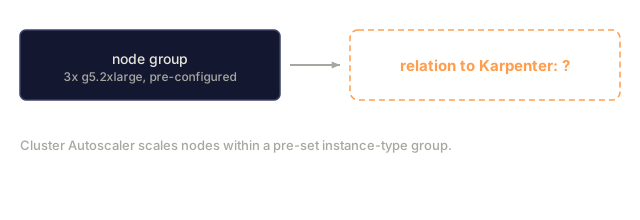
GPU autoscaling takes three layers. Karpenter provisions nodes dynamically in under a minute, reported as 40% faster than Cluster Autoscaler. KAI Scheduler adds gang scheduling, topology awareness, and hierarchical queues, which stops the 7-of-8 partial allocation trap where seven nodes sit waiting and billing on one missing GPU. Application-level autoscalers (NVIDIA Dynamo Planner, llm-d Workload Variant Autoscaler) scale on inference signals like queue depth and KV cache utilization instead of CPU or DCGM duty cycle. The classic HPA trap is that `DCGM_FI_DEV_GPU_UTIL` is a duty-cycle measurement, so 100% could be 10 requests or 100. vLLM pre-allocates KV cache memory, so memory-based scale-down doesn't trigger either. You'll compose the three layers and avoid Karpenter's default `WhenEmptyOrUnderutilized` policy, which can terminate running GPU jobs mid-inference.
Learning Objectives
- Diagram the three autoscaling layers (node provisioning, gang scheduling, application-level) and name the tool used at each layer.
- Explain why `DCGM_FI_DEV_GPU_UTIL` is the wrong HPA signal for vLLM and name two replacements (queue depth, KV cache utilization).
- Describe gang scheduling and the partial-allocation failure mode KAI Scheduler prevents (7 of 8 GPUs idle).
- Name the Karpenter consolidation policy (`WhenEmptyOrUnderutilized`) that terminates running GPU jobs and state the 2026 safe alternative.
The Problem
Your team ships an LLM-serving service on Kubernetes. You set up HPA with DCGM_FI_DEV_GPU_UTIL as the signal, and the service pins at 100% utilization during business hours. HPA doesn't scale up because it already thinks you're full. You add a replica by hand and TTFT drops, but HPA still sits there. The signal is lying to you.
Separately, you use Cluster Autoscaler for nodes. A 1M-token prompt arrives at 2 a.m., the cluster spends 3 minutes provisioning a node, and the request times out.
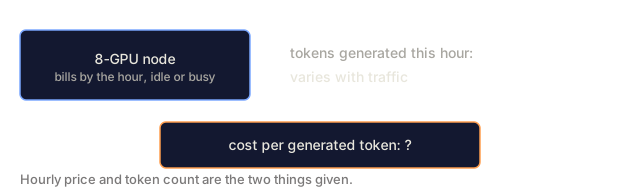
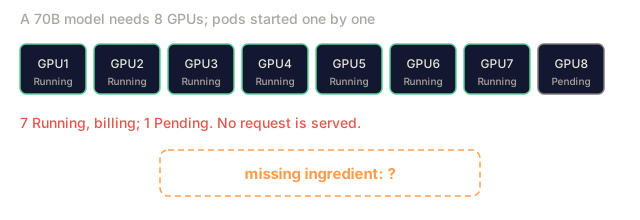
Separately again, you deploy a 70B model that needs 8 GPUs across 2 nodes. The cluster has 7 GPUs free and 1 missing, spread across 3 nodes. Cluster Autoscaler provisions a node for the missing GPU, and seven nodes wait 4 minutes, burning money, while Kubernetes brings up the last one.
Three layers, three different failure modes. GPU-aware autoscaling in 2026 takes more than turning on HPA: you compose node provisioning, gang scheduling, and application-signal autoscaling.
The Concept
Layer 1: node provisioning (Karpenter)
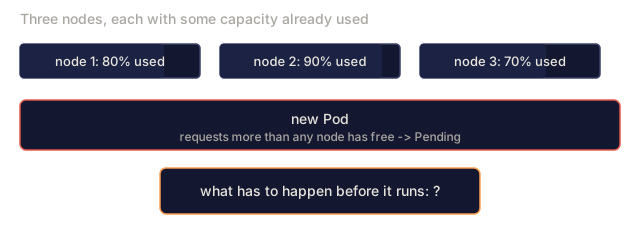
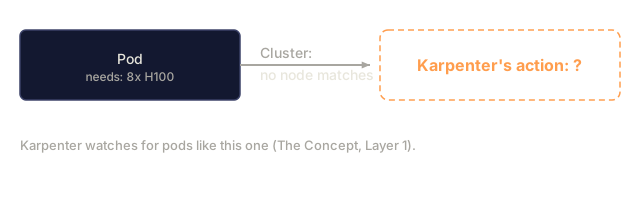
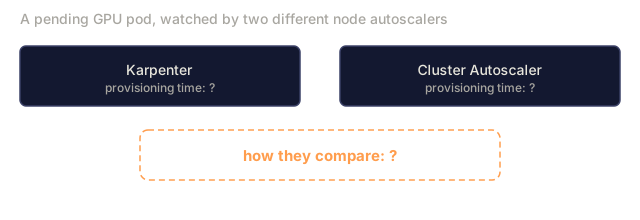
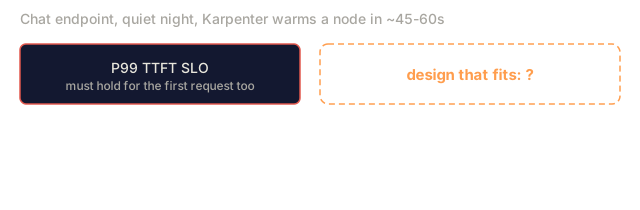
Karpenter watches pending pods and provisions nodes within ~45-60 seconds (Cluster Autoscaler typically takes 90-120 seconds for GPU nodes). It picks instance types dynamically per the NodePool constraint. If your pod needs 8 H100s and the cluster has no matching node, Karpenter provisions one directly instead of scaling an existing group.
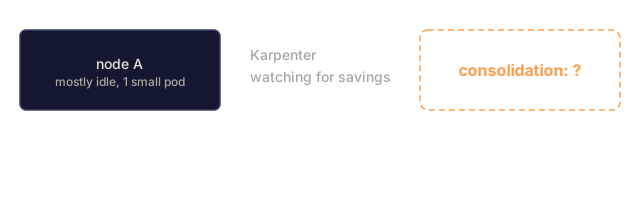
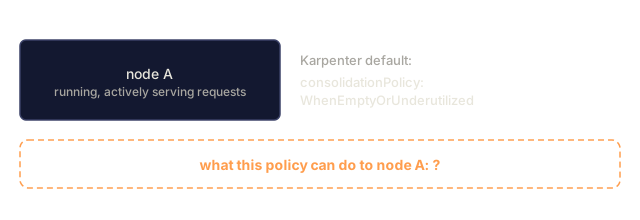
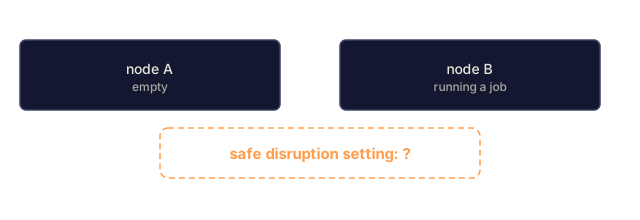
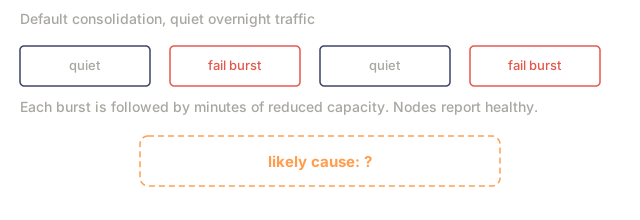
The consolidation trap: Karpenter's default consolidationPolicy: WhenEmptyOrUnderutilized is dangerous for GPU pools. It can terminate a running GPU node to migrate pods to a cheaper right-sized instance. For inference that means evicting in-flight requests and reloading a 70B model on the new node, which costs minutes of capacity plus failed requests.
Safe setting for GPU pools:
disruption:
  consolidationPolicy: WhenEmpty
  consolidateAfter: 1h
This lets Karpenter consolidate truly empty nodes after an hour, while nodes running a job are left alone.
Layer 2: gang scheduling (KAI Scheduler)
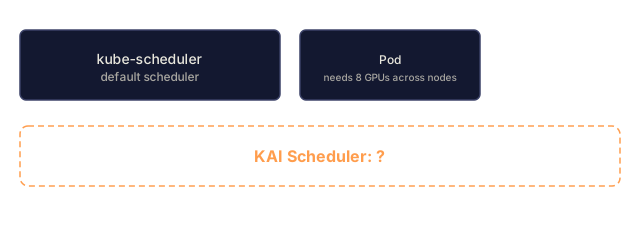
KAI Scheduler (originally the NVIDIA Run:ai scheduler, now open source) handles what the default kube-scheduler does not:
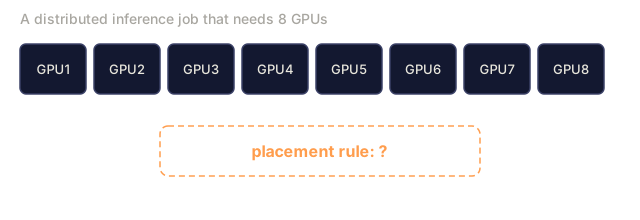
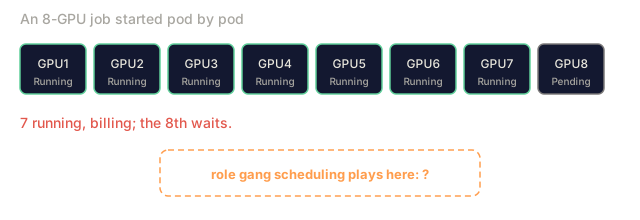
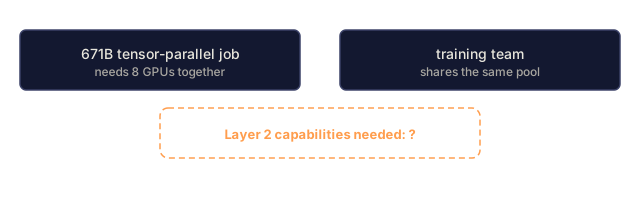
Gang scheduling is all-or-nothing. A distributed inference job that needs 8 GPUs either starts all 8 together or none. Without it you get the partial-allocation trap: 7 of 8 pods start, then wait on the last one while the bill runs.
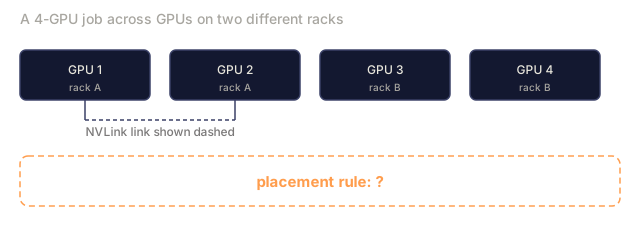
Topology awareness means knowing which GPUs share NVLink, which sit on the same rack, and which have InfiniBand between them, then placing pods to match. A DeepSeek-V3 671B tensor-parallel workload has to stay on one NVLink domain, and KAI Scheduler respects that.
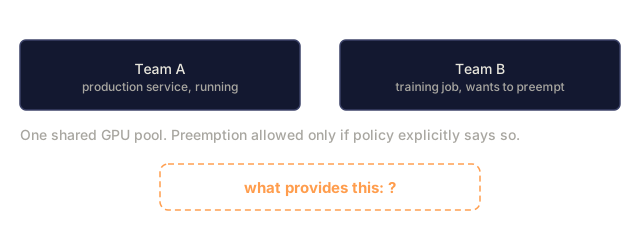
Hierarchical queues let multiple teams share one GPU pool with priority and quota. Team B's training job can preempt Team A's production workload only if the priority rules allow it.
KAI runs alongside kube-scheduler as a secondary scheduler, and you annotate workloads to use it. Ray and vLLM production-stack both integrate with it.
Layer 3: application-level signals
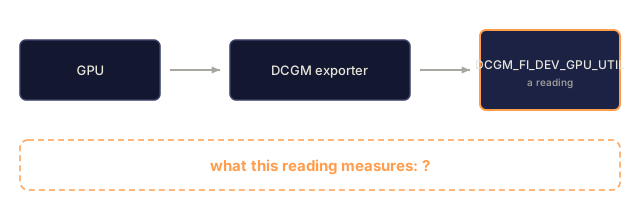
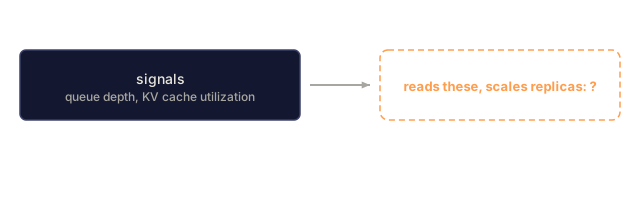
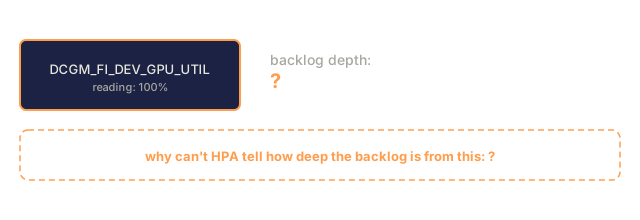
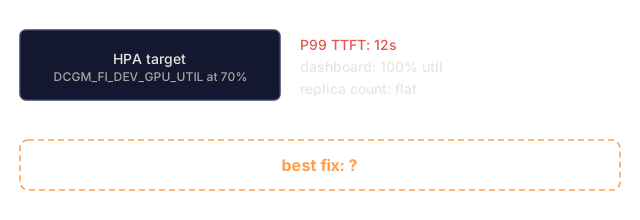
The HPA trap: DCGM_FI_DEV_GPU_UTIL is a duty-cycle metric. It measures whether the GPU was doing work at each sampling interval, so 100% utilization could mean 10 concurrent requests or 100. The GPU was busy either way, which makes scaling on duty cycle scaling blind.
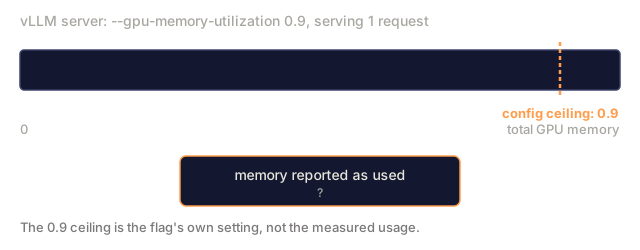
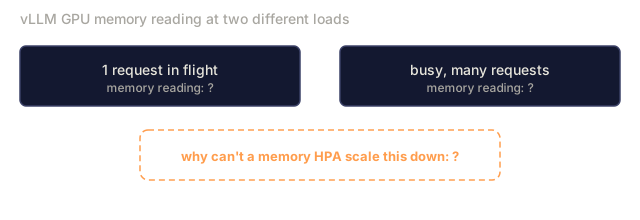
Memory doesn't help either. vLLM and similar engines pre-allocate KV cache memory (up to --gpu-memory-utilization), so usage stays near 90% even at one request. A memory-based HPA has no reason to scale down.
2026 replacement signals:
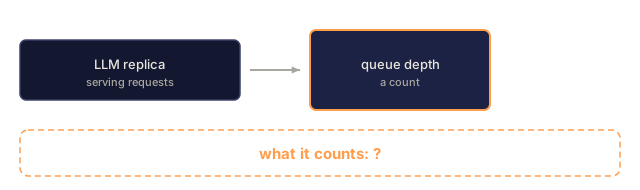
- Queue depth (number of requests waiting for prefill).
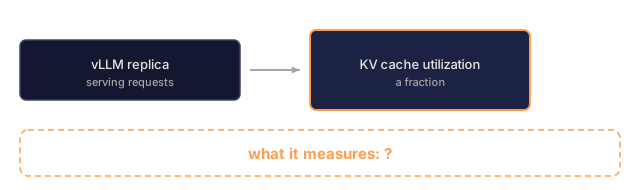
- KV cache utilization (what fraction of blocks are allocated to active sequences).
- Per-replica P99 TTFT (your SLA signal).
- Goodput (requests meeting all SLOs per second).
NVIDIA Dynamo Planner and llm-d Workload Variant Autoscaler consume these signals and scale replicas. For LLM serving they take the place of HPA.
When to use what
| Scale decision | Tool |
|---|---|
| Add/remove nodes | Karpenter |
| Schedule multi-GPU jobs | KAI Scheduler |
| Add/remove replicas | Dynamo Planner / llm-d WVA (or custom HPA on queue depth) |
| Choose GPU type | Karpenter NodePool |
| Preempt low-priority | KAI Scheduler queues |
Disaggregated prefill/decode complicates everything
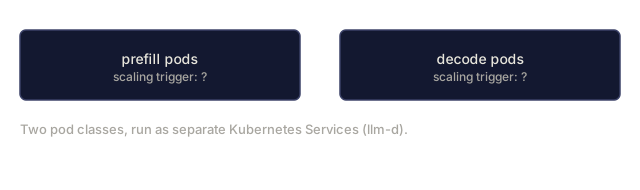
If you run disaggregated prefill/decode (Phase 17 · 17), you have two pod classes with different scaling triggers: prefill pods scale on queue depth, decode pods on KV cache pressure. llm-d exposes these as separate Services with per-role HPA. A single HPA in front of both won't work.
Cold start matters here too
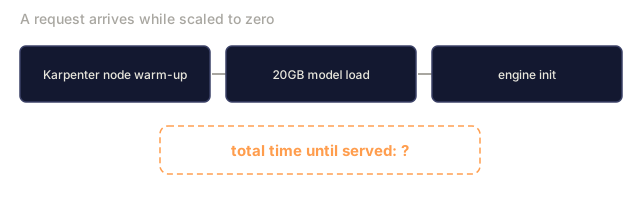
Cold-start mitigation (Phase 17 · 10) is where node provisioning time becomes user-visible. Karpenter's 45-60 second warm-up, plus a 20GB model load, plus engine init, puts a from-zero request at 2-5 minutes. Keep a warm pool (min_workers=1) for SLO-critical paths, or use Modal-style checkpointing at the application layer.
Numbers you should remember
- Karpenter node provisioning: ~45-60s vs Cluster Autoscaler ~90-120s (GPU nodes).
- KAI Scheduler prevents partial-allocation waste (the 7-of-8 trap).
DCGM_FI_DEV_GPU_UTILas HPA signal: broken; use queue depth or KV utilization.- Karpenter
WhenEmptyOrUnderutilized: terminates running GPU jobs. UseWhenEmpty + consolidateAfter: 1hfor inference.

Use It
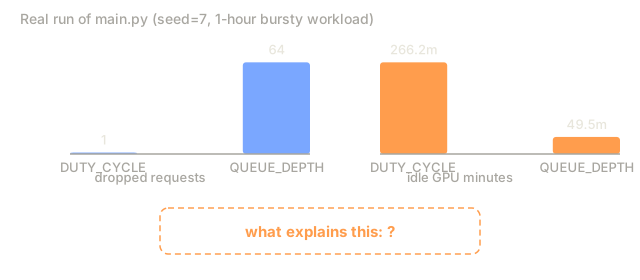
code/main.py simulates a three-layer autoscaler on a bursty GPU workload. It compares naive HPA (duty cycle), queue-depth HPA, and KAI-gang-scheduled scaling, and reports unmet requests, idle-GPU minutes, and mean wait.
Ship It
This lesson produces outputs/skill-gpu-autoscaler-plan.md. Given cluster topology, workload shape, and SLO, it designs a three-layer autoscaling plan.
I'd run main.py before trusting the duty-cycle HPA claim in The Concept, because the output didn't match what I expected. The script is pure stdlib with a fixed seed, so the numbers are repeatable. On my run the DUTY_CYCLE strategy dropped fewer requests than QUEUE_DEPTH, at the price of far more idle GPU minutes. The cause is in how the simulator measures utilization: it counts busy replicas over ready replicas, which behaves more like a load signal than the sampled duty cycle the body warns about. Exercise 1 asks you to find where the difference comes from, and I think that mismatch is the answer to dig into.
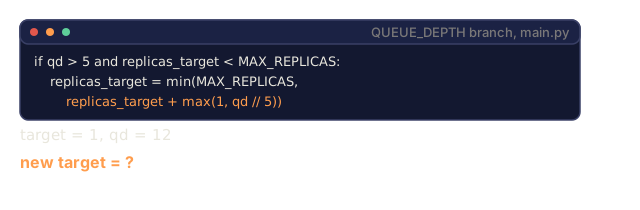
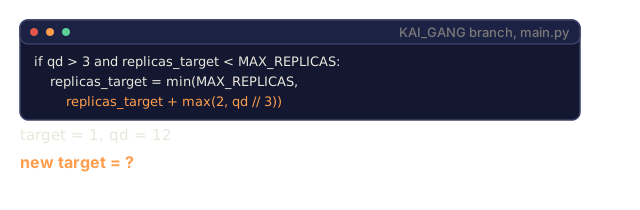
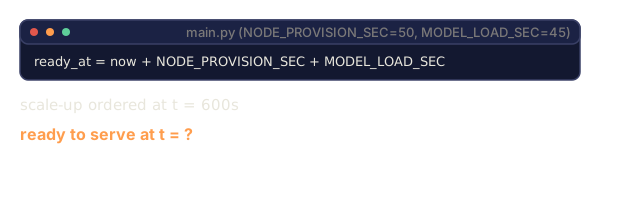
The KAI_GANG branch is also thinner than its name. It reads the same queue depth as QUEUE_DEPTH, just with a lower threshold and a bigger step. Nothing in the code models gang scheduling or topology, so it shows aggressive scaling, not the 7-of-8 trap. The sim has no Karpenter consolidation either, and provisioning is a flat 50 seconds plus a 45 second model load per replica. The header says the latencies are illustrative, and I'd take that literally.
So my bet is that the simulator is useful for reading the scaling loops and weak as evidence for the three-layer argument. For the consolidation policy and gang scheduling, the Karpenter and KAI docs in Further Reading are the better test. If you extend the sim, I'd add a gang constraint first, since it is the layer the current code skips.
Exercises
- Run
code/main.py. Under a bursty workload, how many requests does naive duty-cycle HPA drop that queue-depth HPA catches? Where does the difference come from? - Design a Karpenter NodePool for a cluster serving Llama 3.3 70B FP8 on H100 SXM5. Specify
capacity-type,disruption.consolidationPolicy,consolidateAfter, and a taint that keeps non-GPU workloads off these nodes. - Your team reports that deployments are stuck in Pending because "GPUs available but pod won't schedule." Diagnose it: is this Karpenter, kube-scheduler, or KAI Scheduler? Which metrics confirm?
- Pick a signal to autoscale disaggregated prefill pods and a different signal for decode pods. Justify both.
- Compute the cost of the
WhenEmptyOrUnderutilizedconsolidation trap on a 24x7 production service that averages 60 request-dropping events/day at P99 TTFT > 10s.
Key Terms
| Term | What people say | What it actually means |
|---|---|---|
| Karpenter | "the node provisioner" | Kubernetes node autoscaler; sub-minute provisioning |
| Cluster Autoscaler | "the old scaler" | Kubernetes node autoscaler predecessor; slower, group-based |
| KAI Scheduler | "the GPU scheduler" | Secondary scheduler for gang + topology + queues |
| Gang scheduling | "all or nothing" | Schedule N pods atomically or defer all of them |
| Topology awareness | "rack-aware" | Place pods based on NVLink/IB/rack placement |
DCGM_FI_DEV_GPU_UTIL | "GPU utilization" | Duty-cycle metric; NOT a scaling signal for LLMs |
| Queue depth | "waiting requests" | Correct HPA signal for prefill-bound scaling |
| KV cache utilization | "memory pressure" | Correct HPA signal for decode-bound scaling |
| Consolidation | "Karpenter consolidation" | Node termination to cheaper instance type |
WhenEmpty + 1h | "safe consolidation" | Policy that doesn't evict running GPU jobs |
Further Reading
- KAI Scheduler GitHub: design docs and configuration examples.
- Karpenter Disruption Controls: consolidation policy semantics and GPU-safe defaults.
- NVIDIA: Disaggregated LLM Inference on Kubernetes: Dynamo Planner scaling signals.
- Ray docs: KAI Scheduler for RayClusters: Ray integration pattern.
- AWS EKS Compute and Autoscaling Best Practices: managed-Kubernetes-specific guidance.
- llm-d GitHub: Workload Variant Autoscaler design.
Code
- main.py (python, 179 lines)