OCR & Document Understanding
OCR is a three-stage pipeline: detect text boxes, recognise the characters, then lay them out. Every modern system either reorders those stages or merges them into one model.
Learning Objectives
- Trace the classical OCR pipeline (detect -> recognise -> layout) and the modern end-to-end alternatives (Donut, Qwen-VL-OCR)
- Implement CTC (Connectionist Temporal Classification) loss for sequence-to-sequence OCR training
- Use PaddleOCR or EasyOCR for production document parsing without training
- Distinguish OCR, layout parsing, and document understanding, and pick the right tool per task
The Problem
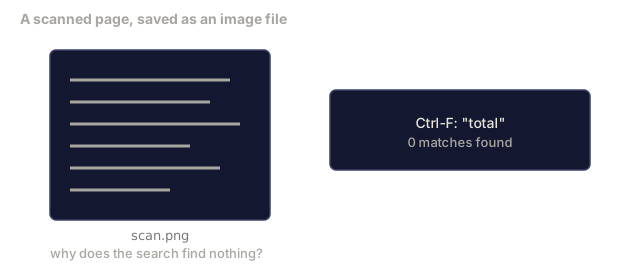
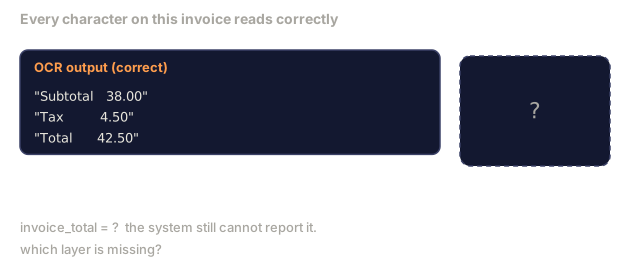
Images full of text are everywhere: receipts, invoices, IDs, scanned books, forms, whiteboards, signs, screenshots. Extracting structured data from them (not just the characters, but "this is the total amount") is one of the highest-value applied-vision problems.
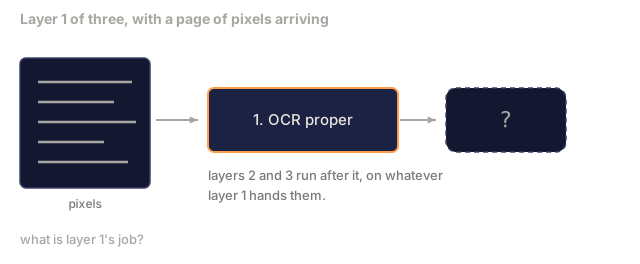
The field splits into three skill layers:
- OCR proper: turn pixels into text.
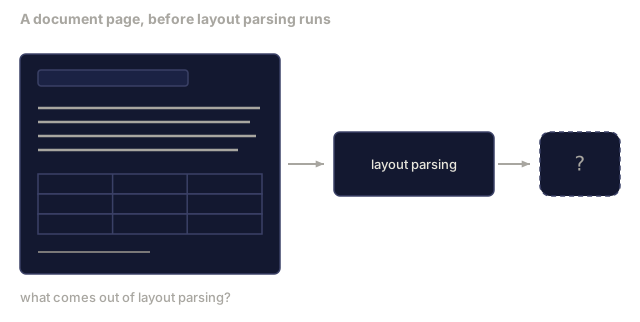
- Layout parsing: group OCR output into regions (title, body, table, header).
- Document understanding: extract structured fields ("invoice_total = $42.50") from layout.
Each layer has its own classical and modern approaches, and the gap between "I want text from an image" and "I need the total amount from this receipt" is bigger than most teams expect going in.
The Concept
The classical pipeline

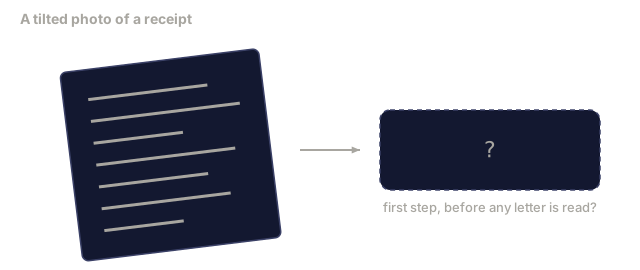
- Text detection produces per-line or per-word quadrilaterals.
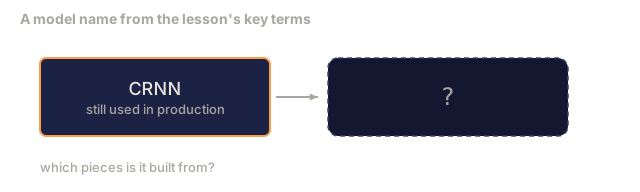
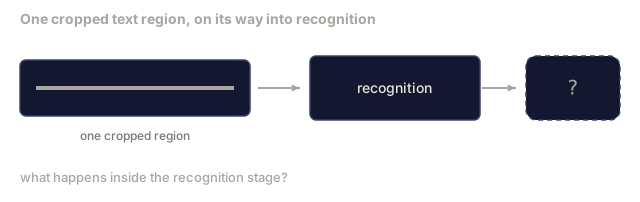
- Recognition crops each region to a fixed height, then runs a CNN + BiLSTM (a bidirectional LSTM, reading the feature sequence left-to-right and right-to-left at once) + CTC to produce a character sequence.
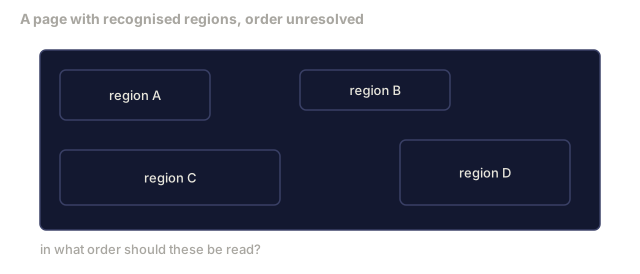
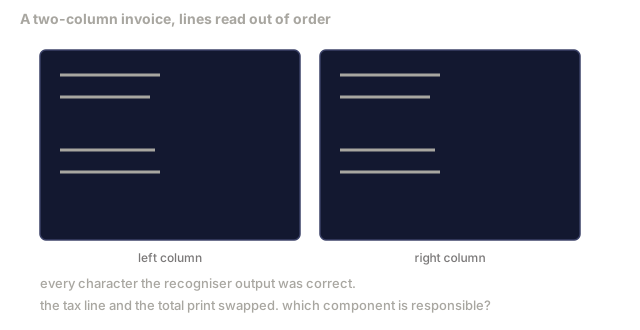
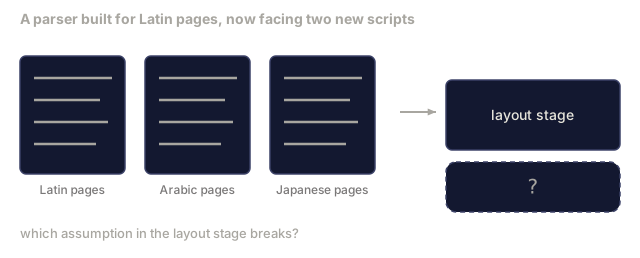
- Layout rebuilds reading order (top-to-bottom, left-to-right for Latin; different for Arabic, Japanese).
CTC in one paragraph
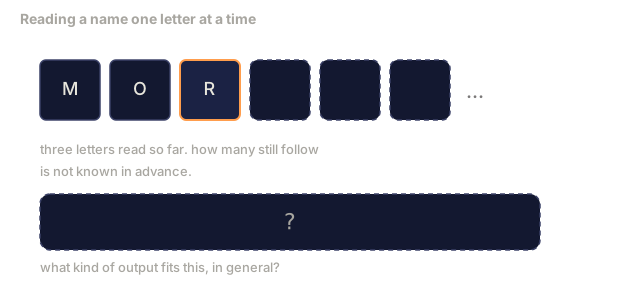
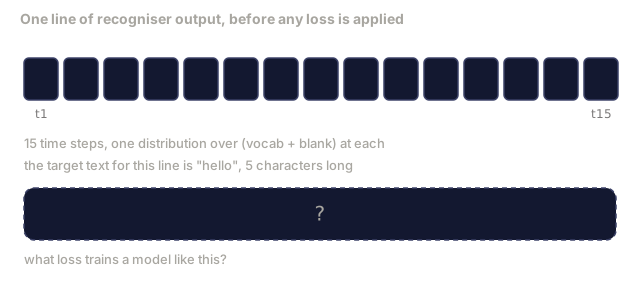
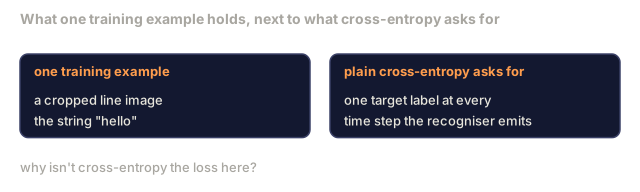
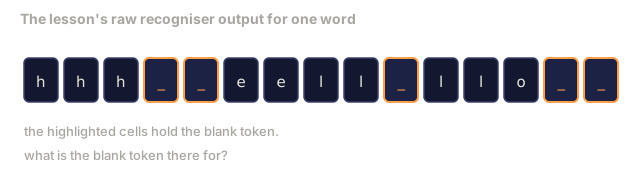
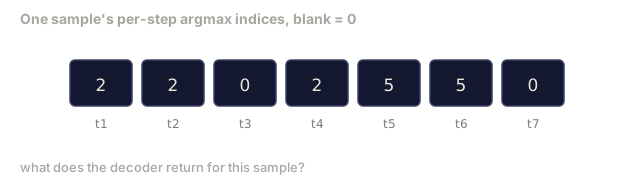
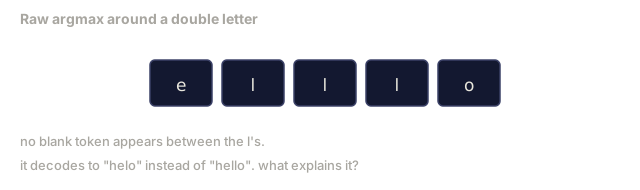
OCR recognition produces a variable-length sequence from a fixed-length feature map. CTC (Graves et al., 2006) is what lets you train that without character-level alignment. The model outputs a distribution over (vocab + blank) at every time step, and CTC loss marginalises over every alignment that reduces to the target text once you merge repeats and remove blanks.
raw output: "h h h _ _ e e l l _ l l o _ _"
after merge repeats and remove blanks: "hello"
Analogy: it's like grading a spoken word from a slowed-down recording without a transcript to align against. You don't know exactly when each letter starts or ends, only that some stretch of the recording says "hello." CTC scores every plausible way of stretching "hello" across the recording's timeline and trains on all of them at once, instead of demanding you mark the boundaries by hand first.
CTC is the reason CRNN worked in 2015, and it still trains most production OCR models in 2026.
Modern end-to-end models
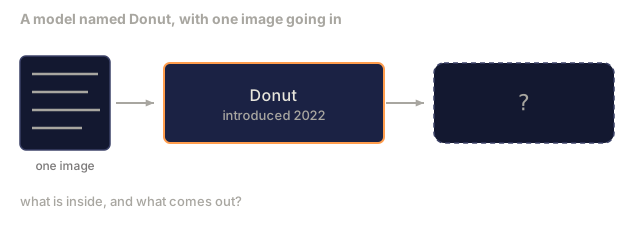
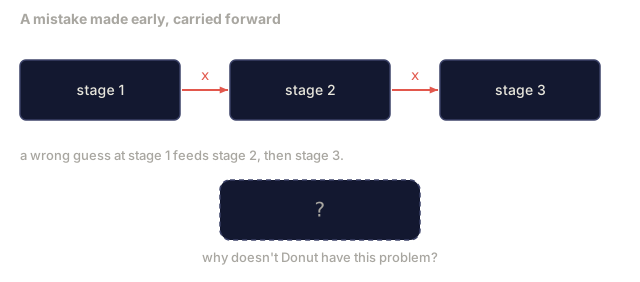
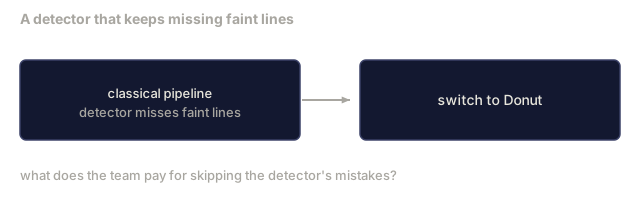
- Donut (Kim et al., 2022): a ViT encoder + text decoder that reads an image and emits JSON directly. No text detector, no layout module.
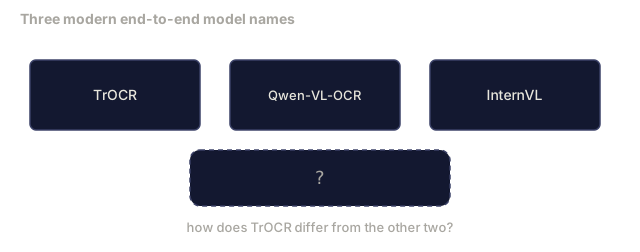
- TrOCR: ViT + transformer decoder for line-level OCR.
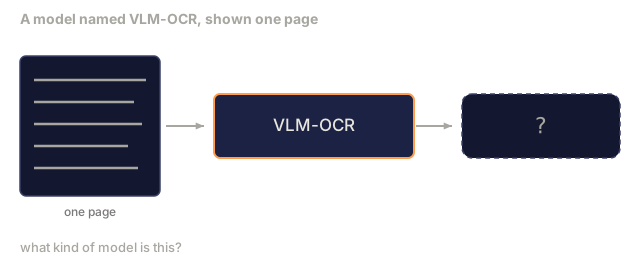
- Qwen-VL-OCR / InternVL: full vision-language models fine-tuned for OCR tasks, with the best accuracy in 2026 on complex documents.
- PaddleOCR: the classical DB + CRNN pipeline, packaged into a mature production library and still the open-source workhorse.
End-to-end models need more data and more compute, but they skip the error accumulation that a multi-stage pipeline builds up.
Layout parsing
For structured documents, run a layout detector (LayoutLMv3, DocLayNet) that labels each region: Title, Paragraph, Figure, Table, Footnote. Reading order then becomes "iterate through regions in layout order, concatenate."
For forms, use Key-Value extraction models (Donut for visually-rich documents, LayoutLMv3 for plain scans). They take image + detected text + positions and predict structured key-value pairs.
Evaluation metrics
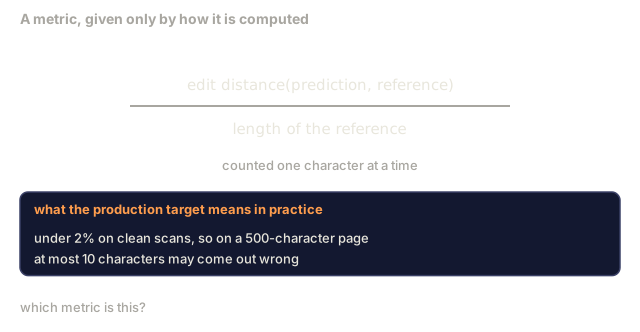
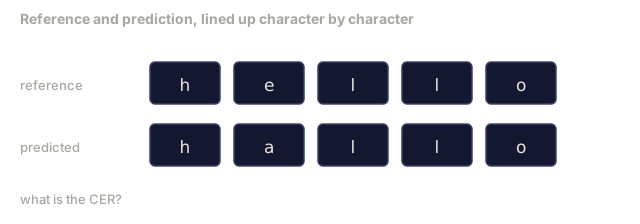
- Character Error Rate (CER): Levenshtein distance (the minimum number of single-character insertions, deletions, or substitutions needed to turn the predicted text into the reference text) divided by the length of the reference. Lower is better, and the production target is under 2% on clean scans.
- Word Error Rate (WER): the same idea, measured at the word level instead of the character level.
- F1 on structured fields: for key-value tasks, measuring whether
{invoice_total: 42.50}comes out correct. - Edit distance on JSON: for end-to-end document parsing; the Donut paper introduced normalised tree edit distance for exactly this.
Build It
Step 1: CTC loss + greedy decoder
import torch
import torch.nn as nn
import torch.nn.functional as F


def ctc_loss(log_probs, targets, input_lengths, target_lengths, blank=0):
    """
    log_probs:      (T, N, C) log-softmax over vocab including blank at index 0
    targets:        (N, S) int targets (no blanks)
    input_lengths:  (N,) per-sample time steps used
    target_lengths: (N,) per-sample target length
    """
    return F.ctc_loss(log_probs, targets, input_lengths, target_lengths,
                      blank=blank, reduction="mean", zero_infinity=True)


def greedy_ctc_decode(log_probs, blank=0):
    """
    log_probs: (T, N, C) log-softmax
    returns: list of index sequences (blanks removed, repeats merged)
    """
    preds = log_probs.argmax(dim=-1).transpose(0, 1).cpu().tolist()
    out = []
    for seq in preds:
        decoded = []
        prev = None
        for idx in seq:
            if idx != prev and idx != blank:
                decoded.append(idx)
            prev = idx
        out.append(decoded)
    return out
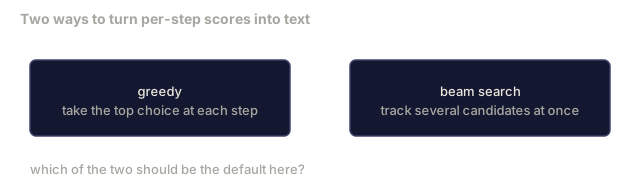
F.ctc_loss uses the efficient CuDNN implementation when available. The greedy decoder is simpler than a beam search and usually within 1% CER of it.
Step 2: Tiny CRNN recogniser
Minimal CNN + BiLSTM for line OCR.
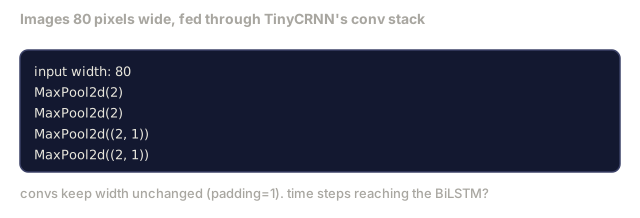
class TinyCRNN(nn.Module):
    def __init__(self, vocab_size=40, hidden=128, feat=32):
        super().__init__()
        self.cnn = nn.Sequential(
            nn.Conv2d(1, feat, 3, 1, 1), nn.BatchNorm2d(feat), nn.ReLU(inplace=True),
            nn.MaxPool2d(2),
            nn.Conv2d(feat, feat * 2, 3, 1, 1), nn.BatchNorm2d(feat * 2), nn.ReLU(inplace=True),
            nn.MaxPool2d(2),
            nn.Conv2d(feat * 2, feat * 4, 3, 1, 1), nn.BatchNorm2d(feat * 4), nn.ReLU(inplace=True),
            nn.MaxPool2d((2, 1)),
            nn.Conv2d(feat * 4, feat * 4, 3, 1, 1), nn.BatchNorm2d(feat * 4), nn.ReLU(inplace=True),
            nn.MaxPool2d((2, 1)),
        )
        self.rnn = nn.LSTM(feat * 4, hidden, bidirectional=True, batch_first=True)
        self.head = nn.Linear(hidden * 2, vocab_size)

    def forward(self, x):
        # x: (N, 1, H, W)
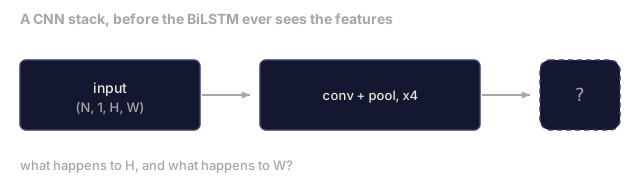
        f = self.cnn(x)                # (N, C, H', W')
        f = f.mean(dim=2).transpose(1, 2)  # (N, W', C)
        h, _ = self.rnn(f)
        return F.log_softmax(self.head(h).transpose(0, 1), dim=-1)  # (W', N, vocab)
Fixed-height input (the CNN max-pools height to 1). Width is the time dimension for CTC.
Step 3: Synthetic OCR
Generate black-on-white digit strings for an end-to-end smoke test.
import numpy as np

def synthetic_line(text, height=32, char_width=16):
    W = char_width * len(text)
    img = np.ones((height, W), dtype=np.float32)
    for i, c in enumerate(text):
        x = i * char_width
        shade = 0.0 if c.isalnum() else 0.5
        img[6:height - 6, x + 2:x + char_width - 2] = shade
    return img


def build_batch(strings, vocab):
    H = 32
    W = 16 * max(len(s) for s in strings)
    imgs = np.ones((len(strings), 1, H, W), dtype=np.float32)
    target_lengths = []
    targets = []
    for i, s in enumerate(strings):
        imgs[i, 0, :, :16 * len(s)] = synthetic_line(s)
        ids = [vocab.index(c) for c in s]
        targets.extend(ids)
        target_lengths.append(len(ids))
    return torch.from_numpy(imgs), torch.tensor(targets), torch.tensor(target_lengths)


vocab = ["_"] + list("0123456789abcdefghijklmnopqrstuvwxyz")
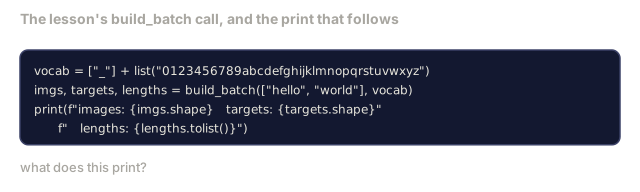
imgs, targets, lengths = build_batch(["hello", "world"], vocab)
print(f"images: {imgs.shape}   targets: {targets.shape}   lengths: {lengths.tolist()}")
A real OCR dataset adds fonts, noise, rotation, blur, and colour. The pipeline above is identical.
Step 4: Training sketch
model = TinyCRNN(vocab_size=len(vocab))
opt = torch.optim.Adam(model.parameters(), lr=1e-3)

for step in range(200):
    strings = ["abc" + str(step % 10)] * 4 + ["xyz" + str((step + 1) % 10)] * 4
    imgs, targets, target_lens = build_batch(strings, vocab)
    log_probs = model(imgs)  # (W', 8, vocab)
    input_lens = torch.full((8,), log_probs.size(0), dtype=torch.long)
    loss = ctc_loss(log_probs, targets, input_lens, target_lens, blank=0)
    opt.zero_grad(); loss.backward(); opt.step()
Loss should drop from ~3 to ~0.2 over 200 steps on this trivial synthetic data.
Use It
Three production paths:
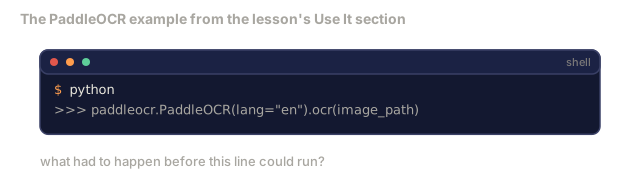
- PaddleOCR: mature, fast, multilingual. One line gets you a result:
paddleocr.PaddleOCR(lang="en").ocr(image_path). - EasyOCR: Python-native, multilingual, built on a PyTorch backbone.
- Tesseract: classical, and still worth reaching for on old scanned documents where the newer models struggle.
For end-to-end document parsing, use Donut or a VLM:
from transformers import DonutProcessor, VisionEncoderDecoderModel

processor = DonutProcessor.from_pretrained("naver-clova-ix/donut-base-finetuned-cord-v2")
model = VisionEncoderDecoderModel.from_pretrained("naver-clova-ix/donut-base-finetuned-cord-v2")
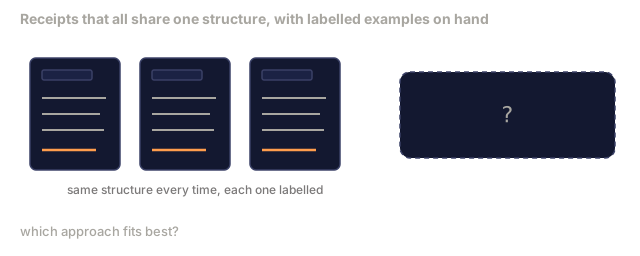
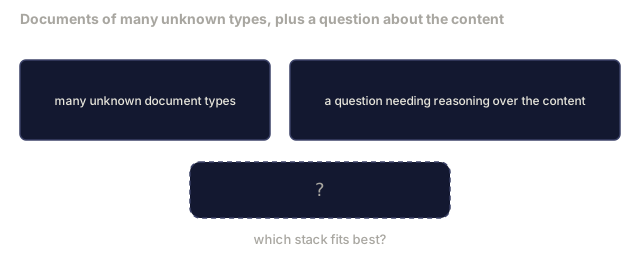
Fine-tune Donut for receipts, invoices, and any form with a repeatable structure. For arbitrary documents, or OCR that needs some reasoning on top, a VLM like Qwen-VL-OCR is the current default.
Ship It
This lesson produces:
outputs/prompt-ocr-stack-picker.md: a prompt that picks Tesseract, PaddleOCR, Donut, or a VLM-OCR model given the document type, language, and structure.outputs/skill-ctc-decoder.md: a skill that writes greedy and beam-search CTC decoders from scratch, including length normalisation.
The step everyone wants to skip is the boring one: layout. Detection and recognition get all the attention because they're the flashy computer-vision problems, but the reading-order bug is the one that actually breaks production. I've seen a "working" invoice parser confidently swap the tax line and the total because its layout module assumed a single column, top-to-bottom, on a document that actually had two.
If you're choosing between a classical pipeline and an end-to-end model like Donut, don't decide from benchmark numbers alone. Decide from how much labelled data you actually have for your document type. A hundred labelled receipts is plenty to fine-tune Donut into something usable. A hundred labelled receipts is nowhere near enough to trust a CRNN trained from scratch.
Exercises
- (Easy) Train the TinyCRNN on 5-digit random numeric strings for 500 steps. Report CER on a held-out set.
- (Medium) Replace greedy decoding with beam search (beam_width=5). Report CER delta. On which inputs does beam search win?
- (Hard) Use PaddleOCR on a set of 20 receipts, extract line items, and compute F1 against hand-labelled ground truth for {item_name, price} pairs.
Key Terms
| Term | What people say | What it actually means |
|---|---|---|
| OCR | "Text from pixels" | Turning image regions into character sequences |
| CTC | "Alignment-free loss" | Loss that trains a sequence model without per-timestep labels; marginalises over alignments |
| CRNN | "Classic OCR model" | Conv feature extractor + BiLSTM + CTC; the 2015 baseline still used in production |
| Donut | "End-to-end OCR" | ViT encoder + text decoder; emits JSON directly from image |
| Layout parsing | "Find regions" | Detect and label Title/Table/Figure/Paragraph regions in a document |
| Reading order | "Text sequence" | Ordering of recognised regions into a sentence; trivial for Latin, non-trivial for mixed layouts |
| CER / WER | "Error rates" | Levenshtein distance / reference length at character or word granularity |
| VLM-OCR | "LLM that reads" | A vision-language model trained or prompted for OCR tasks; current SOTA on complex documents |
Further Reading
- CRNN (Shi et al., 2015): the original CNN+RNN+CTC architecture
- CTC (Graves et al., 2006): the original paper, dense with the algorithmic ideas that still underpin OCR training today
- Donut (Kim et al., 2022): the OCR-free document understanding transformer
- PaddleOCR: the open-source production OCR stack
Code
- main.py (python, 113 lines)